UVITEC – Cambridge
128/225
1- W
I N D O W D E F I N I T I O N
A – Lane definition
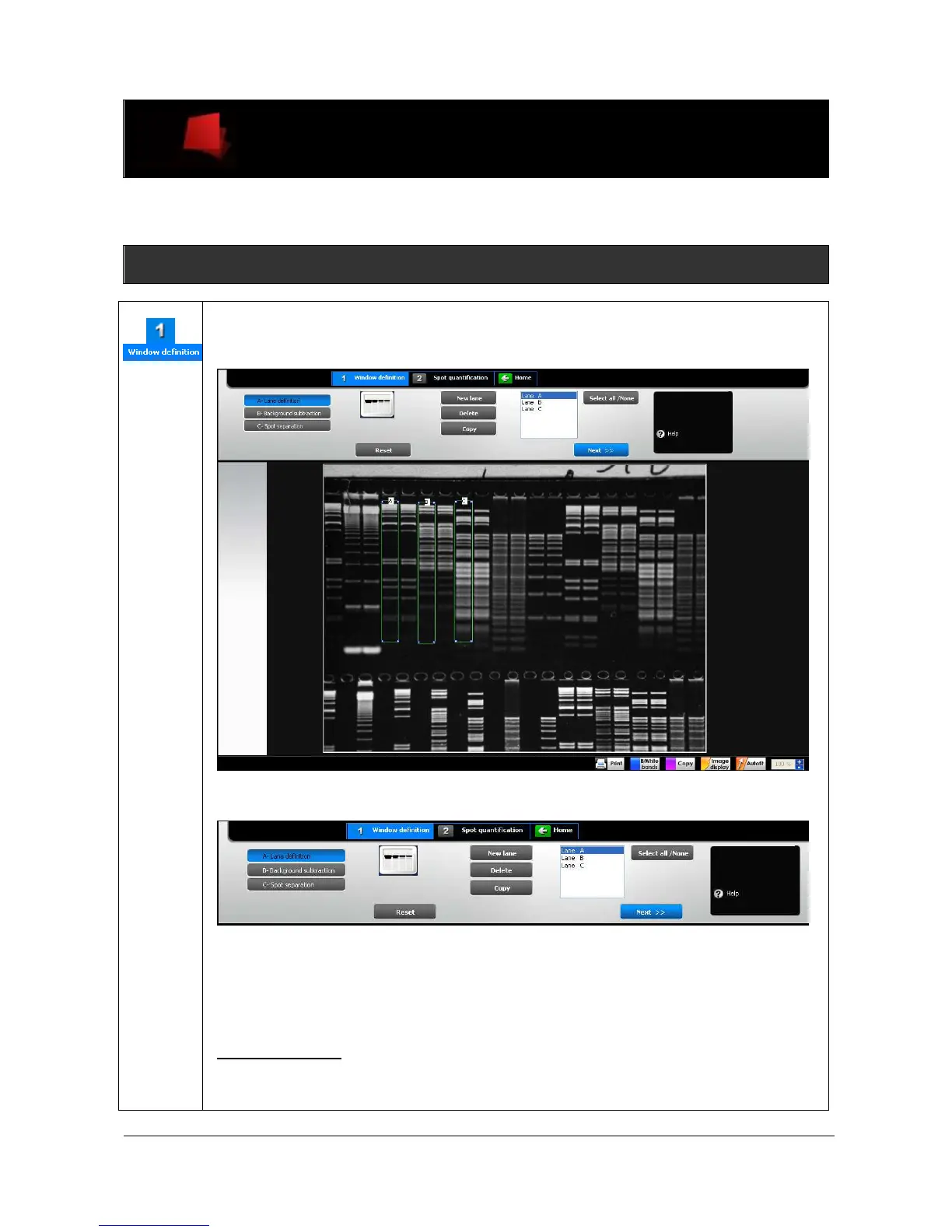
The Optical Density / 1D module opens on the Lane definition dashboard of the Window
definition process:
The dashboard details the lane definition parameters:
New lane
Delete
Copy
Select / unselect all lanes
D
EFINE A NEW
L
ANE
On the image, click on the top left corner of the lane, then drag to define the size of the
analysis area. You can easily adjust the size of the area by clicking on the tags surrounding
the area and drag the selected border to the requested size.



 To Next Page