UVITEC – Cambridge
150/225
Crop
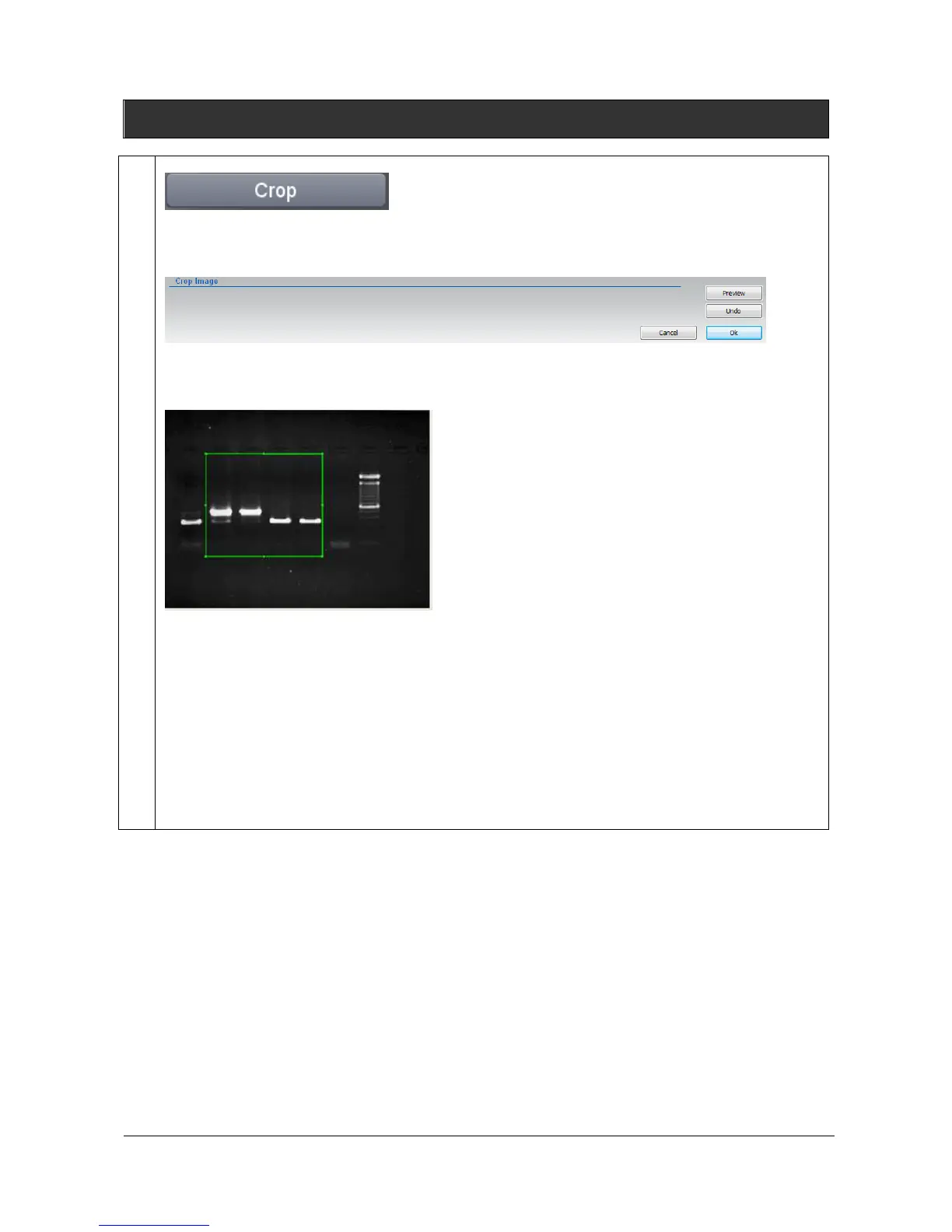
You can cut out a portion of an image. Click on the “Crop” button. A window displays the following
menu:
1- A default area is displayed. Click on the tags surrounding the area to modify its size. Drag and
drop the area to modify its position.
Note: To erase a previously defined area, click once again on the function.
2- Click on the “Preview” to crop the image:
Note: You can undo the cropping by clicking on “Undo”
Note: Exit the Cropping function by clicking on “Ok” to validate the selection or “Cancel” to discard it
and return to the original image.



 To Next Page