UVITEC – Cambridge
32/225
Trouble shooting – Windows device manager
In case of installation issue, we recommend to check the driver status using the Windows Device
Manager.
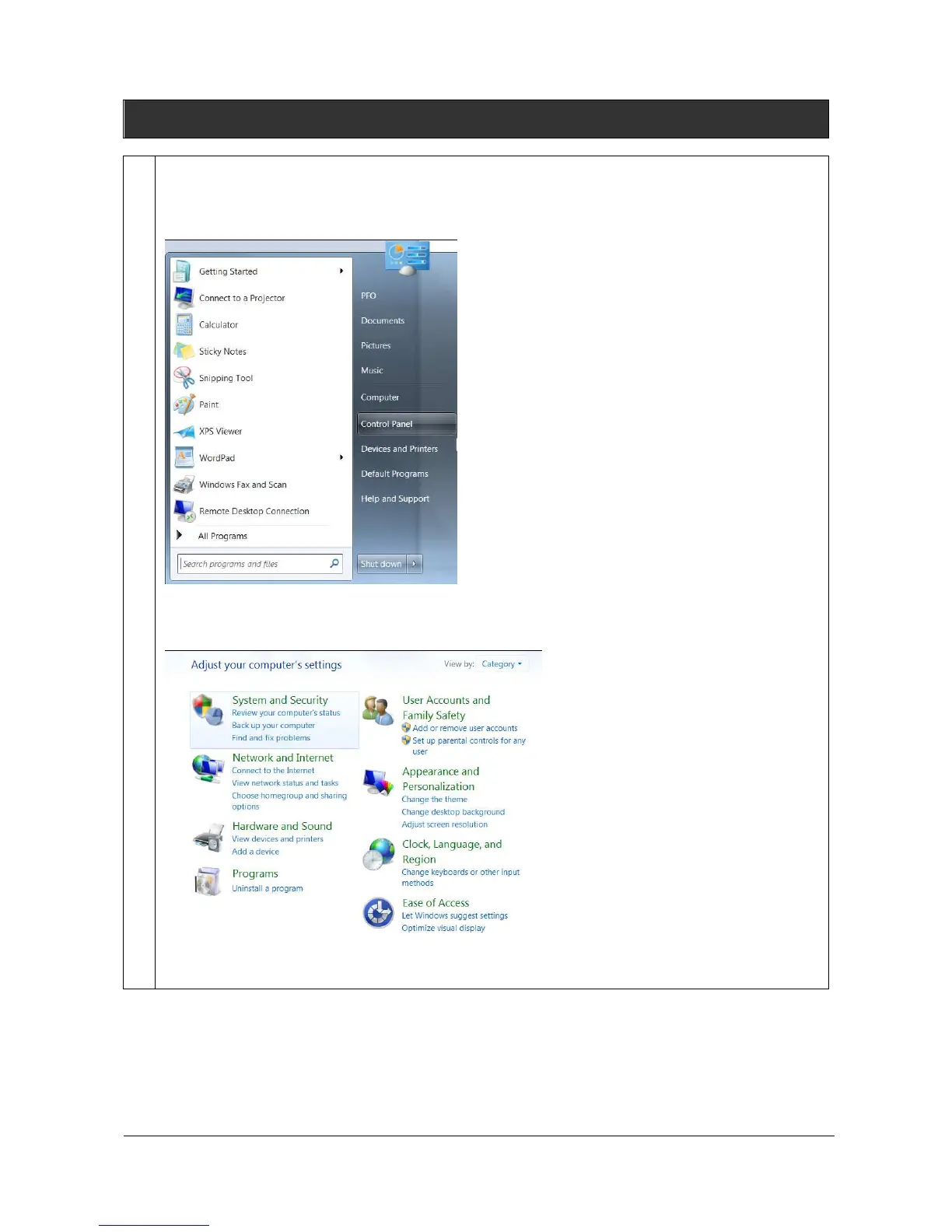
To do so, from the Windows start menu, select “Control Panel”.
The software opens the Windows setting options; For Windows 7, select System and security,
then system, then Device Manager:



 To Next Page