UVITEC – Cambridge
178/225
Click on Print to print as previewed
Click on Close to close the Print preview and to go back to the main menu
Settings
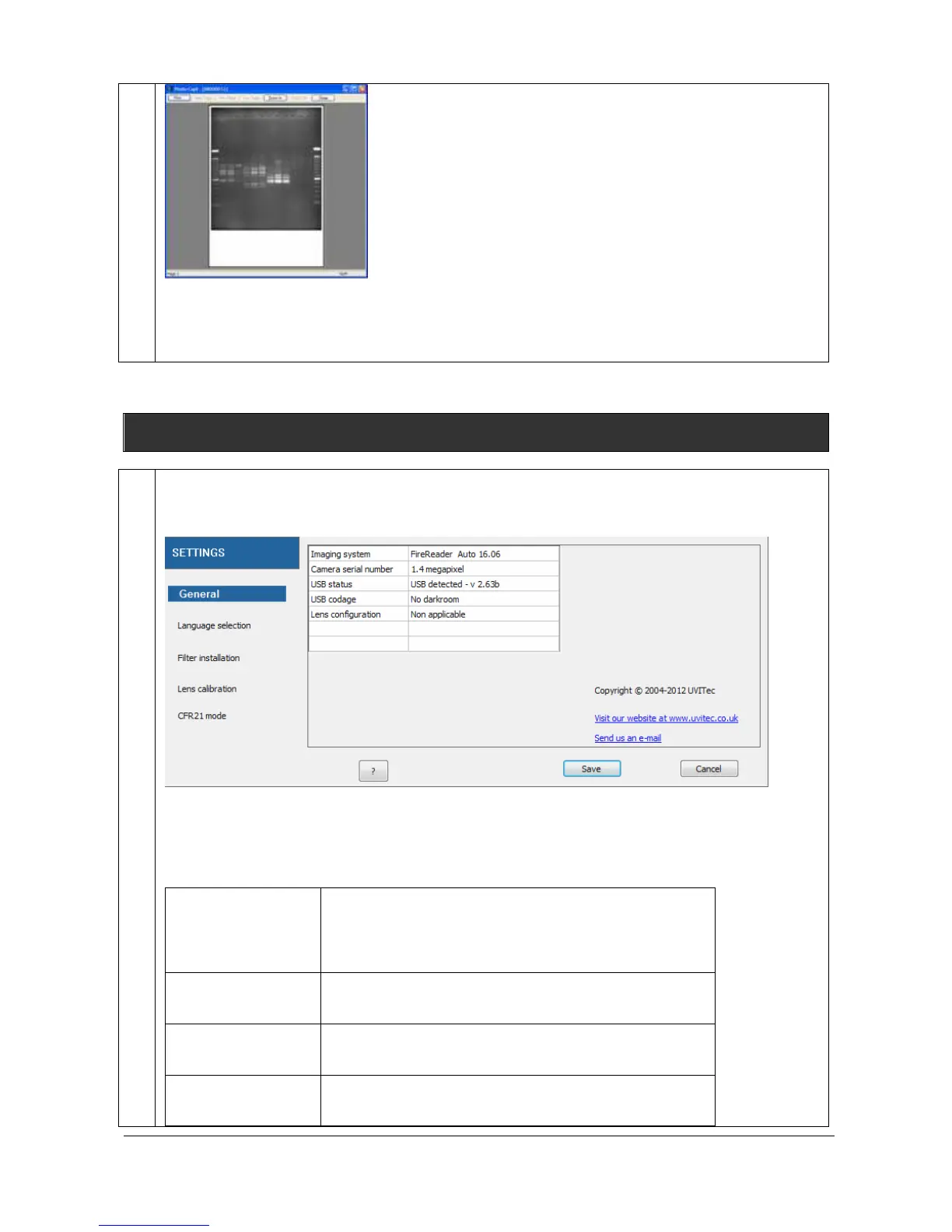
The Settings feature allows the adjustment of the system settings such as the filter controls or the
lens calibration. Click on the “Settings” button. A window displays the following menu:
The Settings menu contains the following features, related to the FireReader system:
General
Displays the FireReader information such as the system
option, the software version, the filters installed and the
lens calibration state.
Language selection
Select the language you want the software to run
Filter installation
Install or remove a filter from the filter wheel
Lens calibration
Re-calibrate the lens for a perfect positioning of the
focus for the preset tray and transilluminator position



 To Next Page