UVITEC – Cambridge
179/225
CFR21 mode
Activate the CFR21 mode
1-General
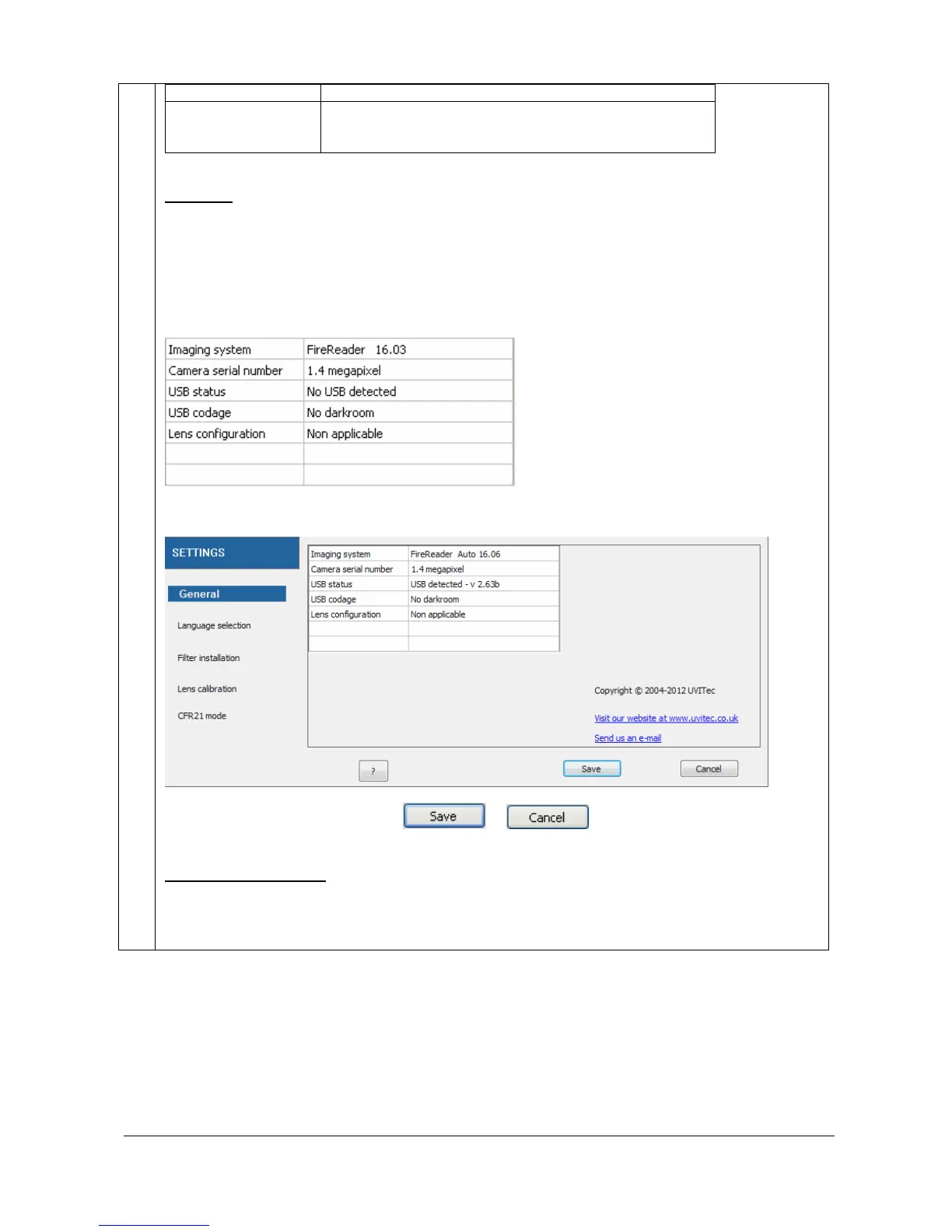
The General header from the Settings menu summarizes the information concerning your system
and its set-up. It gives you access to the following information:
Systems name & version
Camera and darkroom state
Options installed
Calibration stat
To proceed, select the General header from the Settings menu.
To close the Settings menu, click on or
2 – Language selection
The FireReader 1D software could run in English, in German, and in French. Select your language
from the list. To proceed, select the Language selection header from the Settings menu:



 To Next Page