UVITEC – Cambridge
116/225
Click on the first line, keep pressed the left mouse button, and move it to the location for the
origin line. Then, release the button.
Click on the second line and move it to the location for the migration front. Then, release the
button. The R.F. values are assigned to the bands.
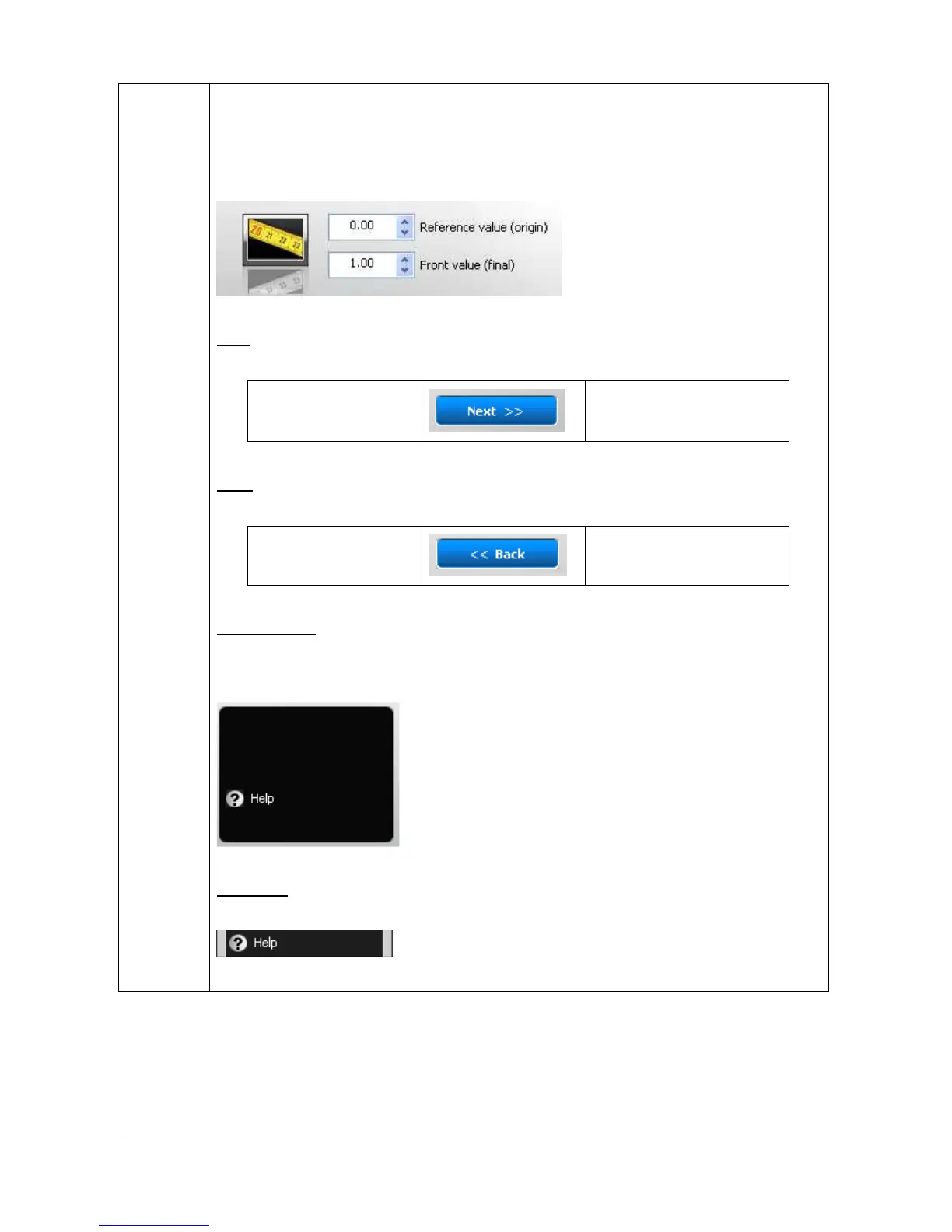
Select the value for the origin and the value the end.
N
EXT
The “Next” button validates your parameter and opens the following analysis step.
C – Distance
2- Analyse
A- results
B
ACK
The “Back” button validates your parameter and opens the following analysis step.
C - Distance
B- Band detection
O
PTION FOLDER
The option folder gathers the following functions:
Help
H
ELP MENU
Click on the “Help” button. You automatically access the user manual at the chapter
corresponding to the function



 To Next Page