UVITEC – Cambridge
120/225
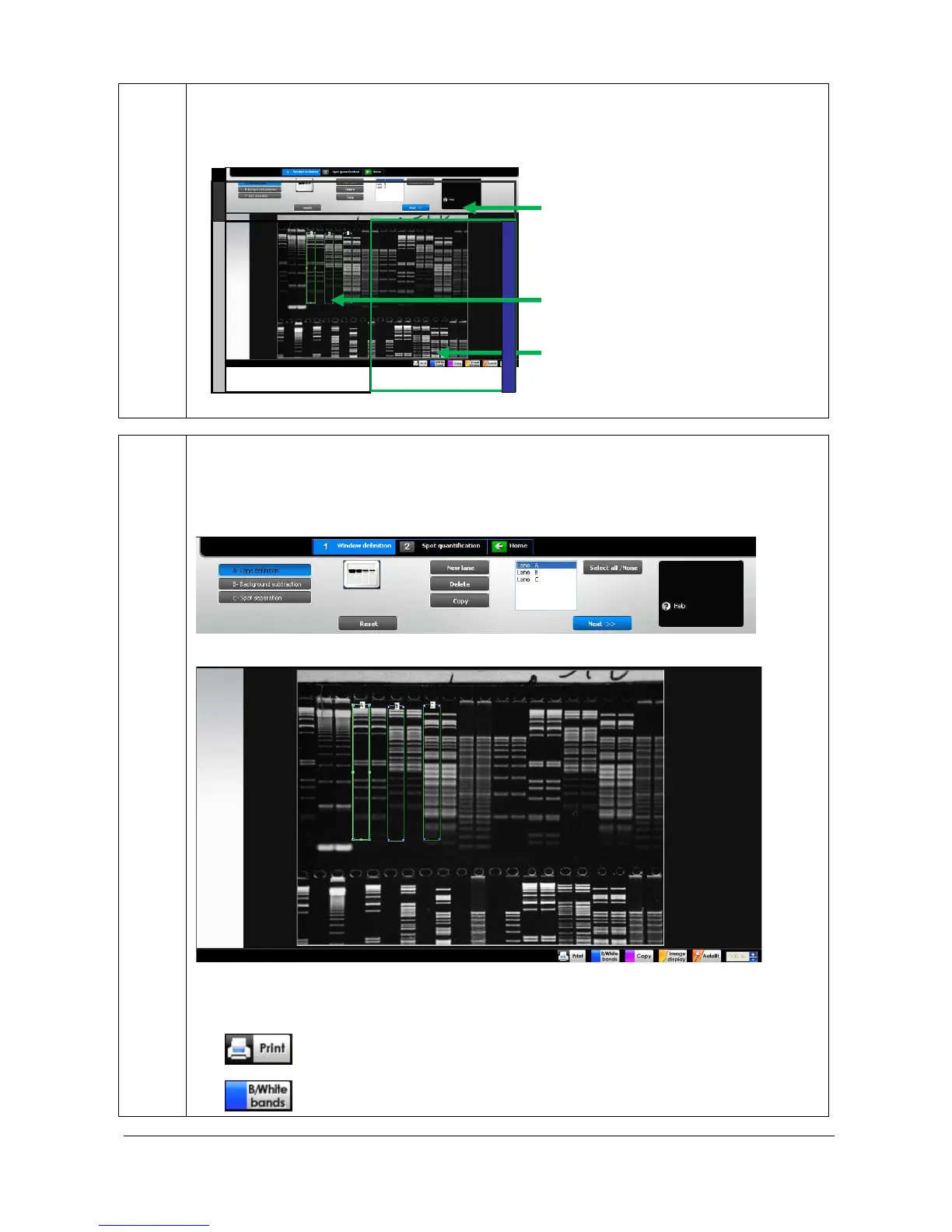
The FireReader 1D operating environment is organised into four areas:
1. The dash board
2. The image window
3. The working window
The dash board contains three different tabs:
1. Window definition
2. Spot quantification
3. Home
The image window displays the active image:
It also contains the image toolbar:
Print the image
Set the bands parameters (White bands / Black
background ; Black bands,/White background)



 To Next Page