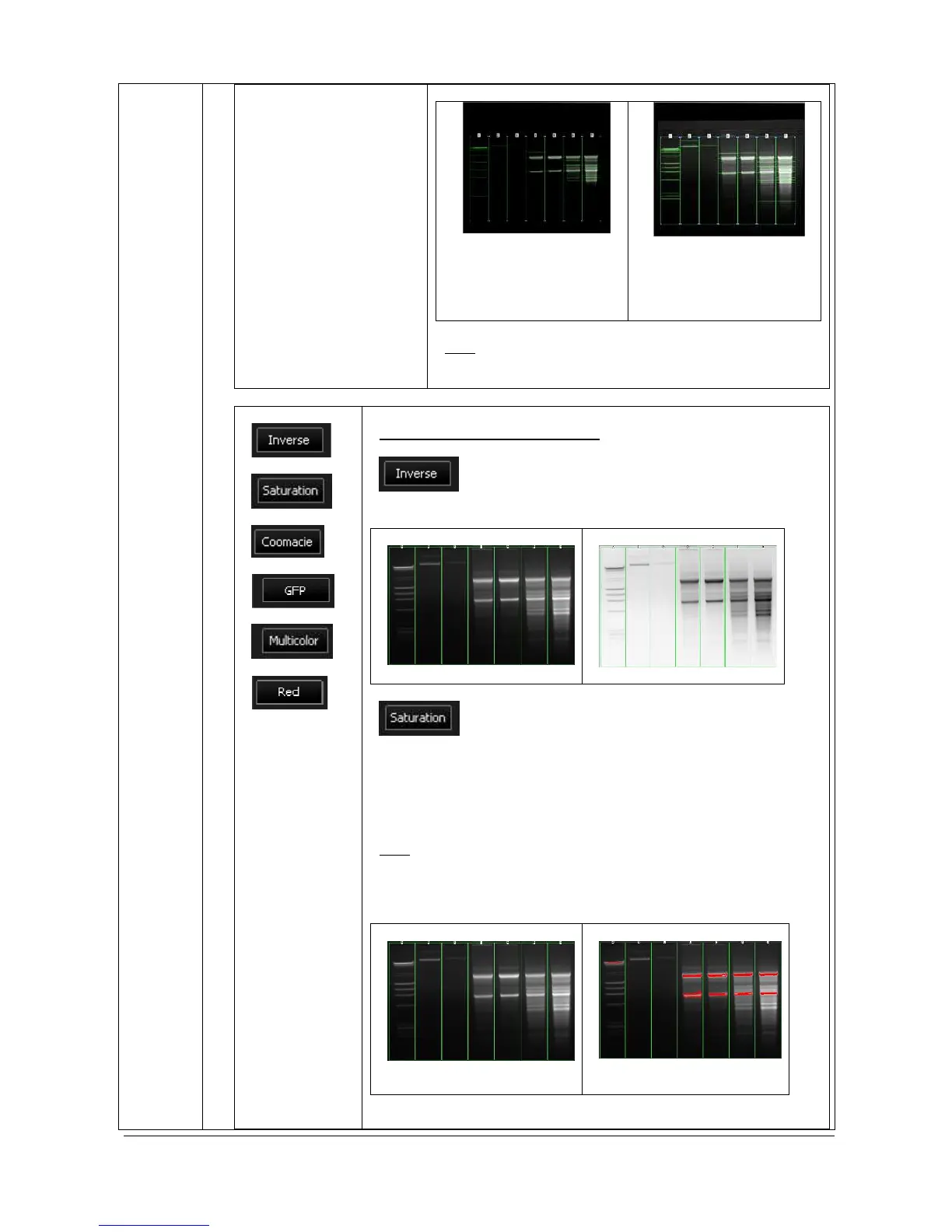
Note: The optimum display has no impact on the
analysis. Only the display of the image is modified.
Inverse or display pseudo color
Click on the “Inverse” icon to inverse the grey level of
the image. This makes a negative image
After
A saturated image is inappropriate for image
quantification with image analysis software. The saturation option
allows you to visualise in red, pixels that have the maximum grey
level (4095 for a 12-bit image or 16 383 for a 14-bit image or 65536
for a 16-bit image) in order to avoid to flatten the peaks. Select the
saturation option and the saturated pixels are displayed in red:
Note: A saturated image creates quantification error when studied
by image analysis software. Gel-doc systems have to indicate to the
user if the image is saturated and if it is then necessary to modify
the integration time.



 To Next Page