UVITEC – Cambridge
157/225
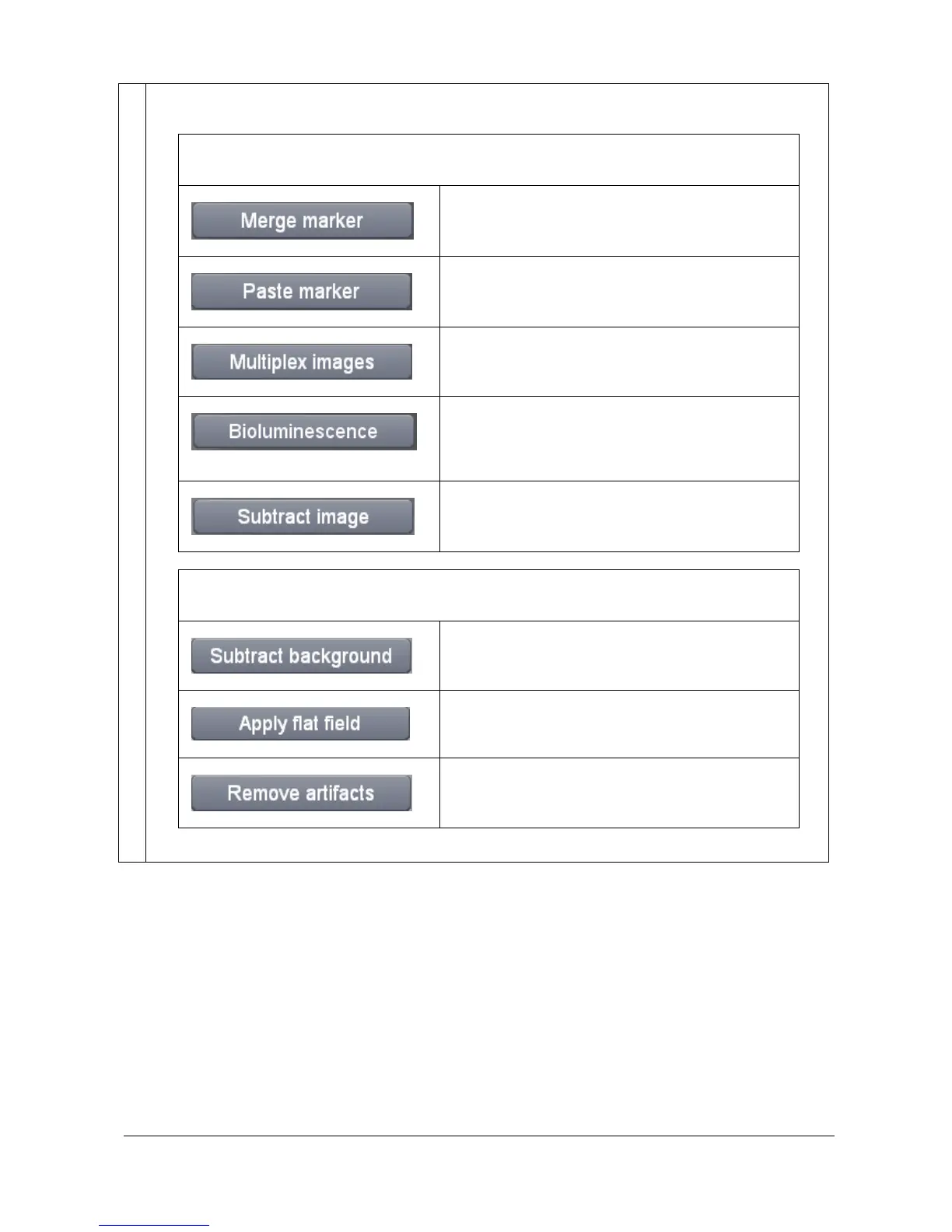
The Processing function folders contain the following features:
Multiple image processing
Gather a blot image and its marker image into a new
composite image.
Copy and paste a marker from the marker image into
the signal image
Combine two or three different fluorescent channels
into a new colored composite image.
Combine a colored overlaid image and a
monochrome image into a new colored composite
image.
Subtract an image from another image
Single image processing
Separates foreground objects from their
background clutter.
Correct for uneven illumination intensity for both the
background and the signal
Remove dust or small defect from an image



 To Next Page