UVITEC – Cambridge
162/225
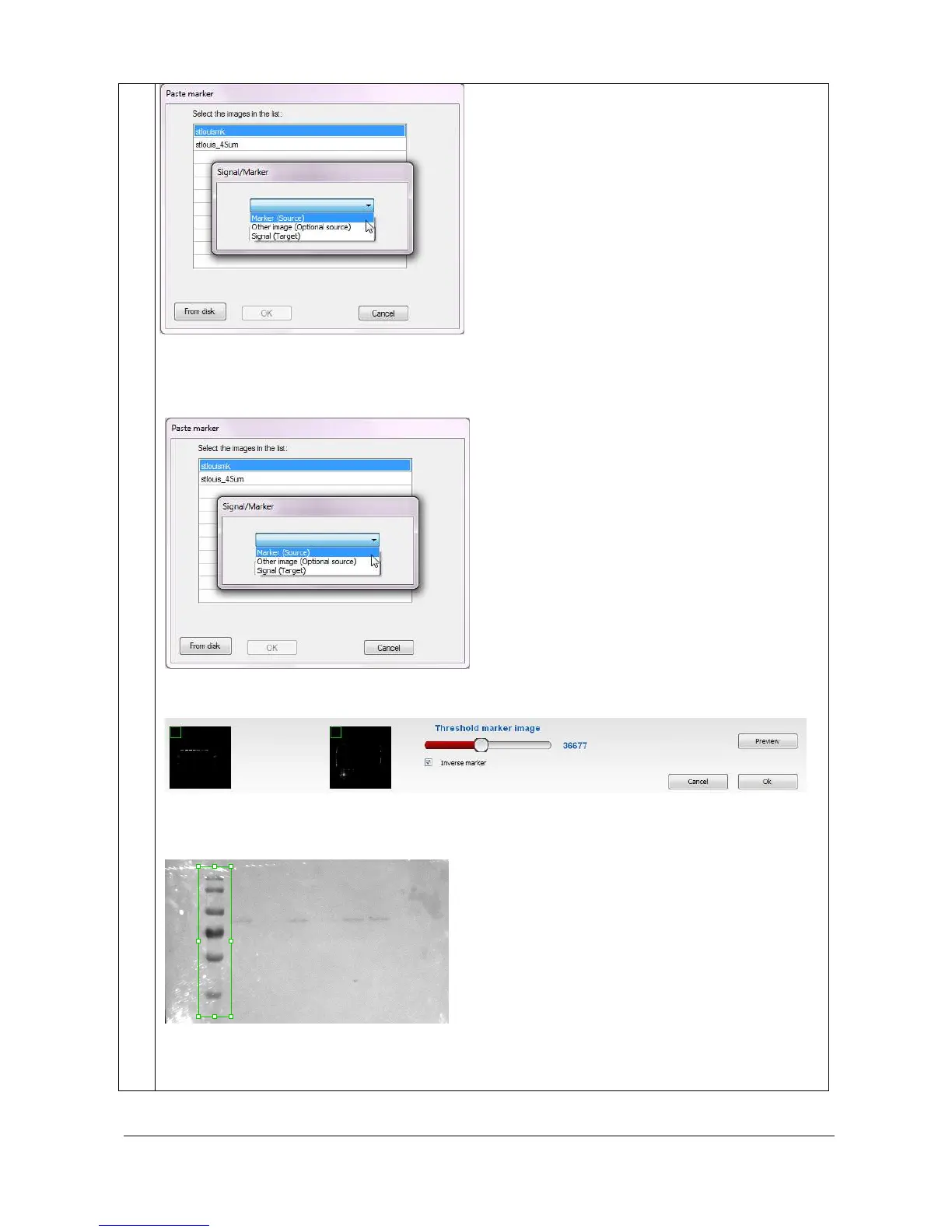
2- Then, select the signal image by clicking on “Select image” from the Second image paragraph. A
pop-up window displays the following menu:
Click on the “OK” button. A window displays the following menu:
A default area is displayed. Click on the tags surrounding the area paste. Drag and drop the area to
modify its position
Click on the “Preview” to paste the marker lane. The marker lane is now paste inside the signal
image.



 To Next Page