UVITEC – Cambridge
186/225
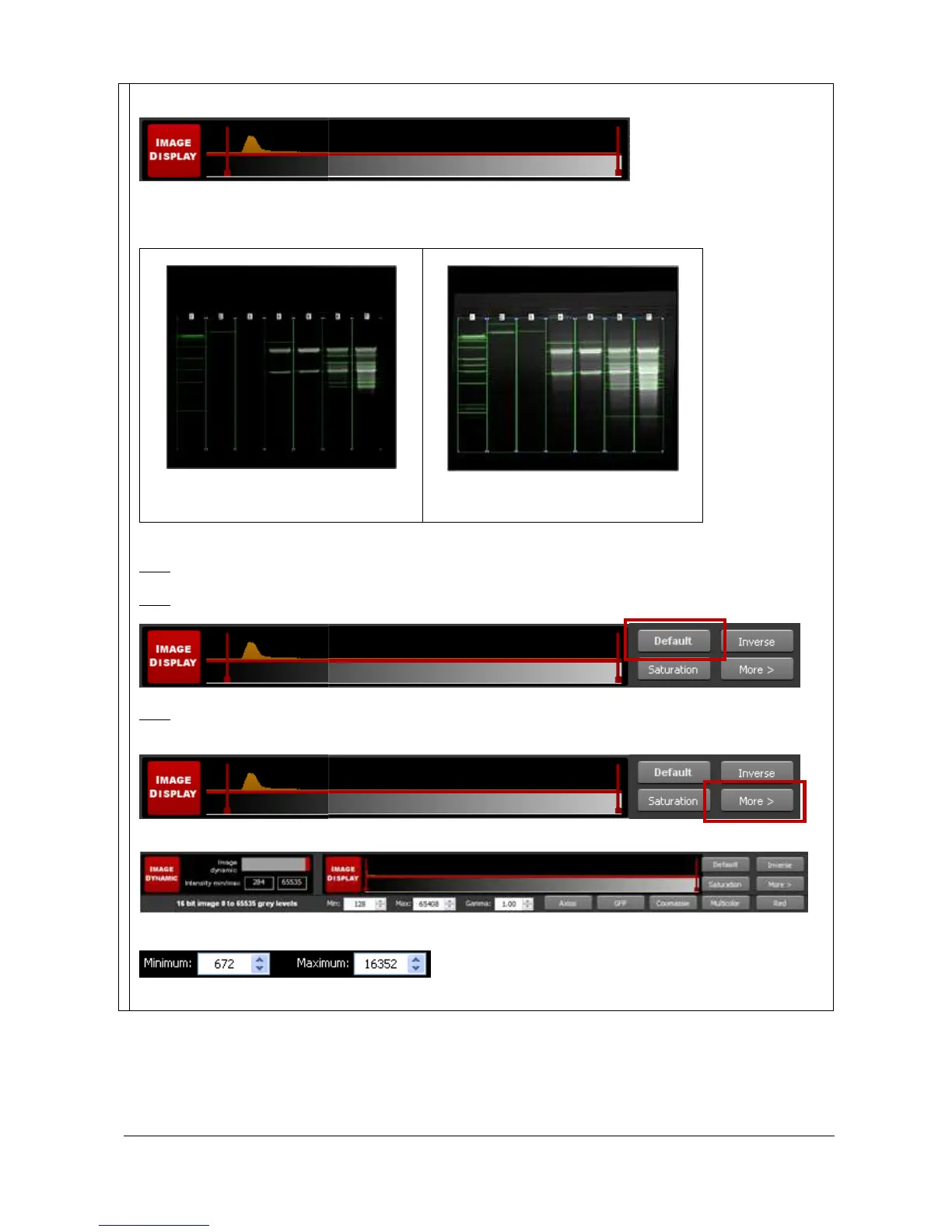
- Select the value by dragging and dropping the green arrows
- Click on the “Default” button: FireReader 1D will then calculate the ideal values to be selected
according to the parameters defined
Default optimum display
Optimum display enhancement
The image appears brighter. The faint
bands are more visible.
Note: The optimum display has no impact on the analysis. Only the display of the image is modified.
Note: Click on Default to reset the display to the default display settings:
Note: You can enter manually the lower and the upper display range values. To proceed, click on More
from the Image Display menu:
This will open the following menu:
You can then edit manually the lower and the upper display range values in the corresponding edit field:



 To Next Page