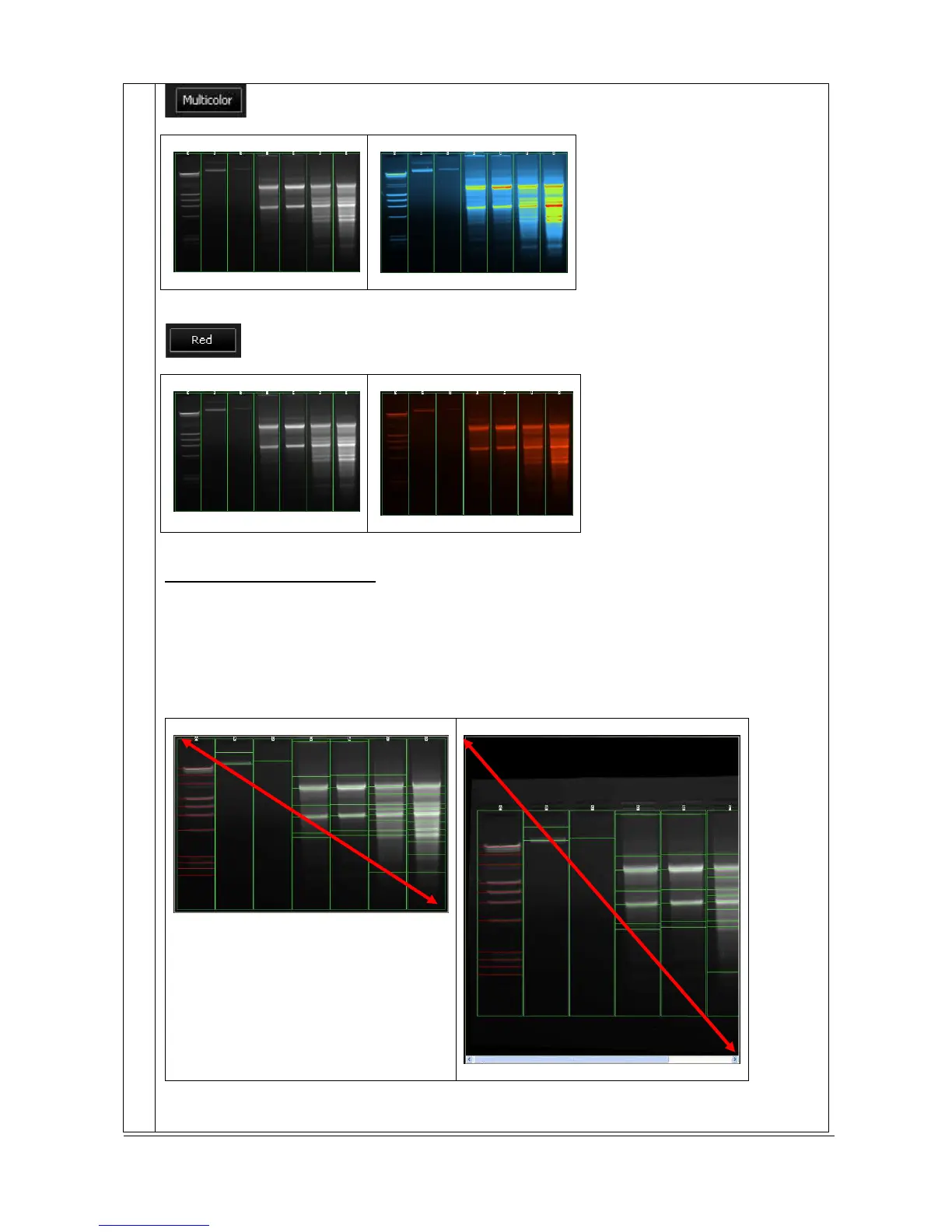
Red painted image
Activate autofit for acquisition
Click on the “Autofit” to resize the image to fit the size of the monitor.
The full resolution of the acquired may be larger than the screen resolution. The navigation requires
the Windows scroll bar. The Autofit allows you to view the whole image, regardless of the window
size. Typically, reducing the size of a window also cuts off part of the image. The Fit to Window option
solves this problem by resizing the image so that it is always the same size as the window.
The Autofit feature proportions the display of the image to the screen resolution.



 To Next Page