UVITEC – Cambridge
25/225
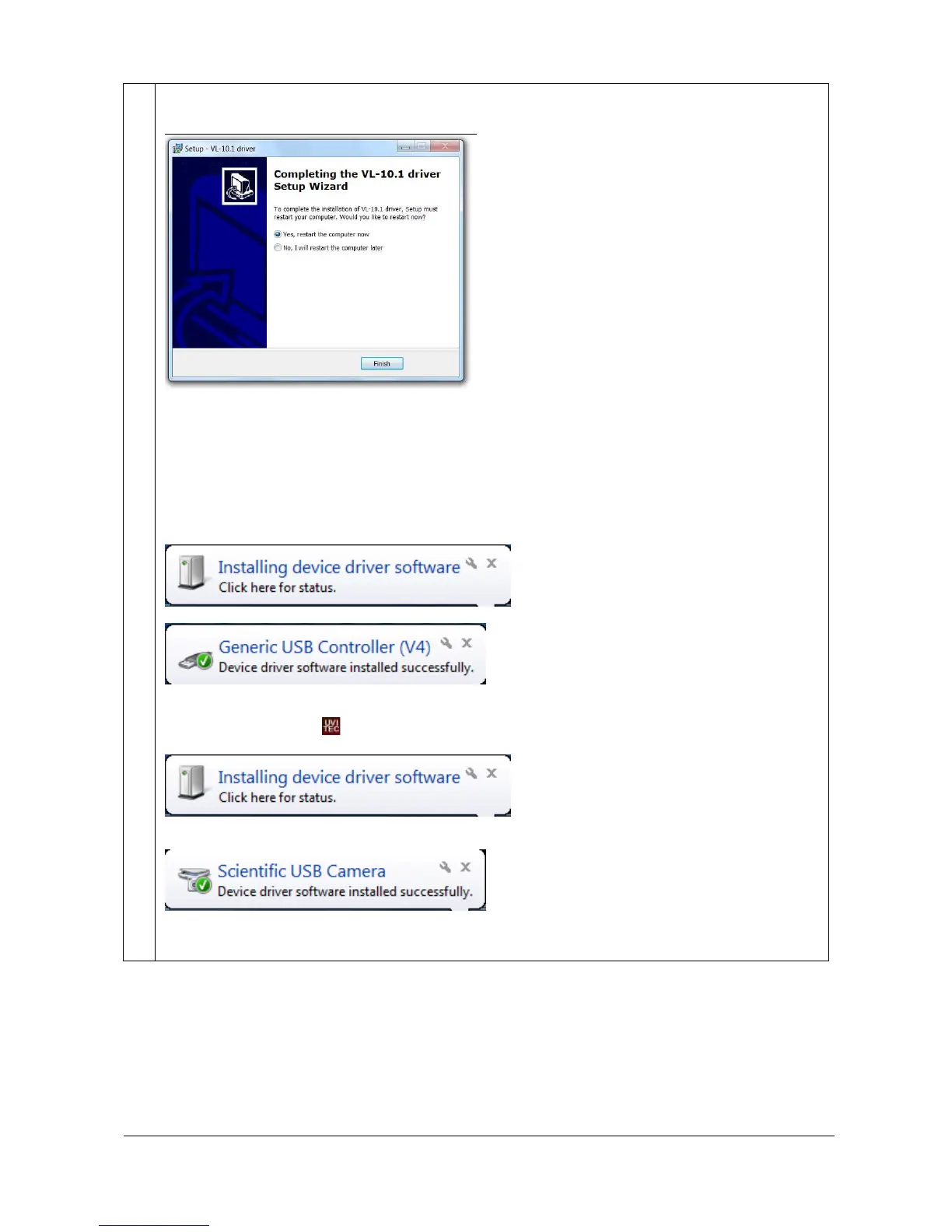
Select the “Continue Anyway” option. The following message is then displayed:
Once the software is installed, the system is updated. This can take a few minutes, depending on
the computer speed. When the set-up is completed, restart your computer.
After the restart, switch on the FireReader system. Keep the FireReader 1D CD-Rom in the CD-Rom
drive of your computer.
The darkroom driver is then installed by Windows (FireReader Auto only):
This driver is related to the FireReader darkroom management. Wait for 10 seconds and double click
on the FireReader icon: . The camera driver is then installed by Windows:
The following message should appears for the FireReader:
You can now properly use the FireReader software and hardware.



 To Next Page