UVITEC – Cambridge
51/225
The stop function captures the last image for further saving, analysis or enhancement. To proceed,
click on the stop preview button.
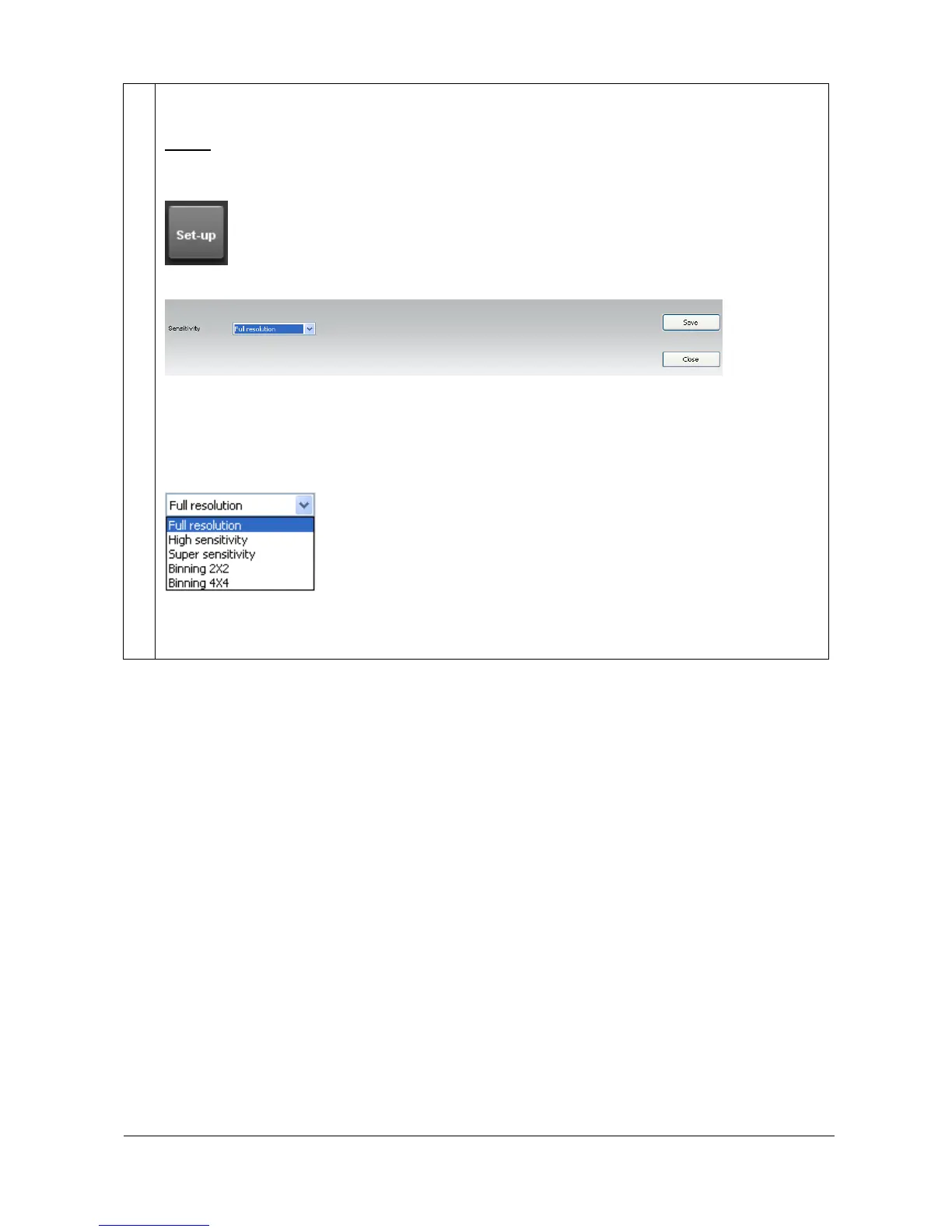
Set-up
The Set-up button gives you access to the main exposure parameters. These parameters could be
changed independently from the Application protocol.
To proceed, click on the Set-up button.
This will open the set-up menu window:
Sensitivity
This option defines the image sensitivity for your image exposure. The FireReader systems offer
exquisite resolution and sensitivity to maximize quantifiable data. The system can be used at either
its full resolution or with binning.
Sensitivity options are as follows:
The full resolution is the native camera image. For a complete detail of the set-up parameters,
please refer to the Application protocol chapter of this manual to have more details on each option.



 To Next Page