UVITEC – Cambridge
71/225
The lane direction is automatically modified on the image.
N
UMBER OF LANES
Select the number of lanes:
The number of lane is automatically modified on the image.
G
AP BETWEEN THE LANES
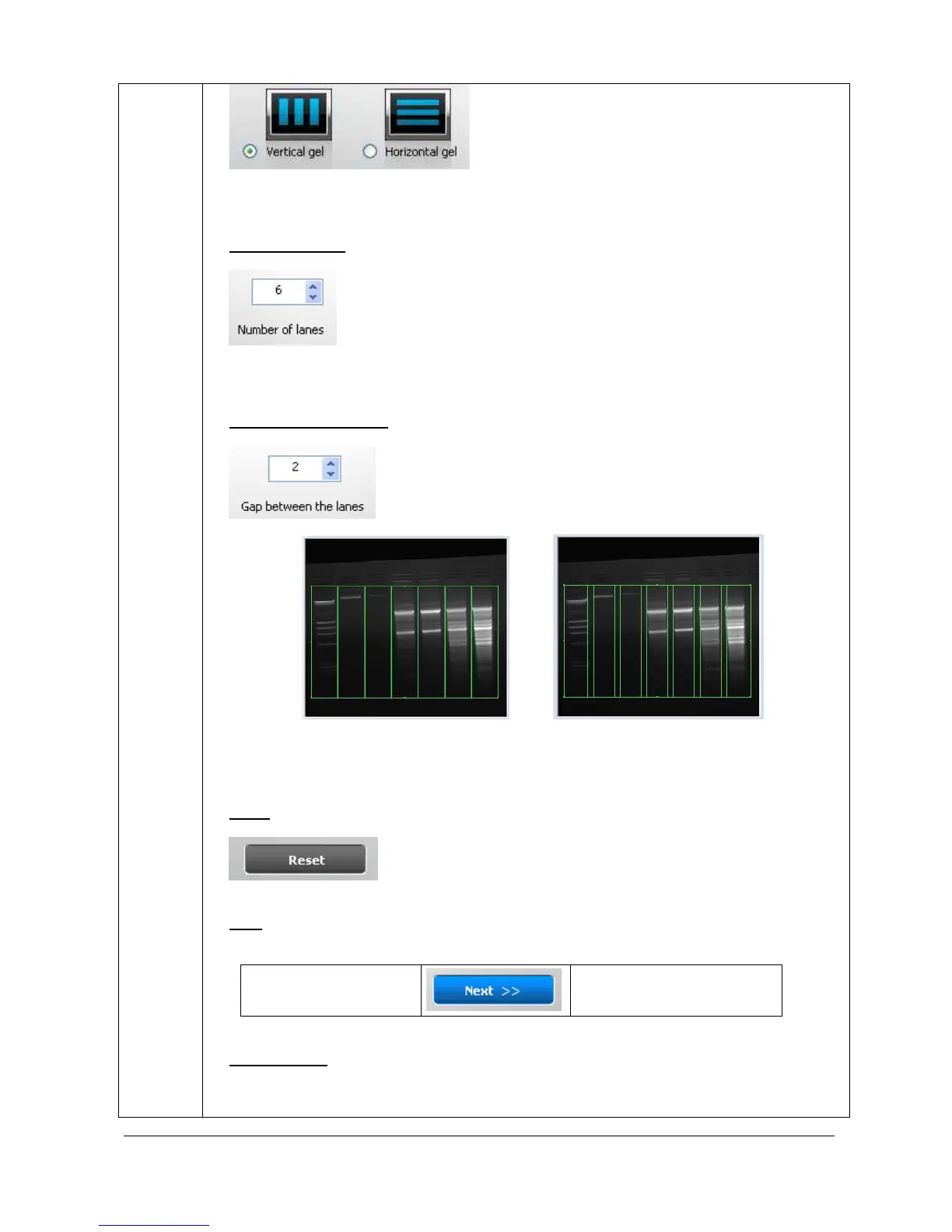
Define the gap between the lanes:
Short gap Large gap
The gap between the lanes is automatically modified on the image.
R
ESET
The “Reset” button restores the default lane detection parameters.
N
EXT
The “Next” button validates your parameter and opens the following analysis step.
A- Edit lane
B – Edit band
O
PTION FOLDER
The option folder gathers the following functions:
Help



 To Next Page