UVITEC – Cambridge
81/225
E
DIT THE MARKER VALUES
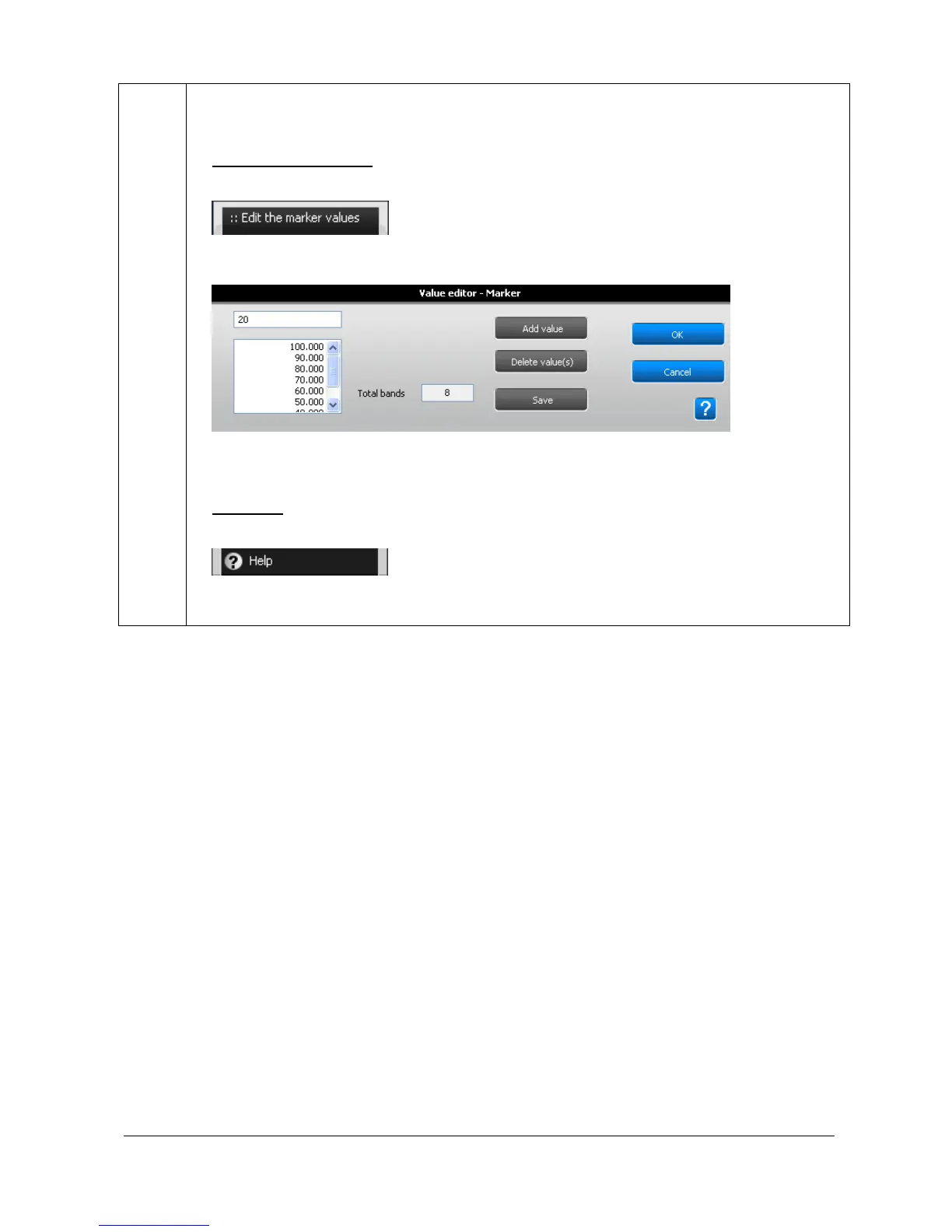
1. Click on the “Edit the marker values” button.
2. A pop-up window displays the following menu on which you can modify the marker values:
You can add, remove, and save your marker values;
H
ELP MENU
Click on the “Help” button. You automatically access the user manual at the chapter
corresponding to the function



 To Next Page