30 D292469I
Image Capture:
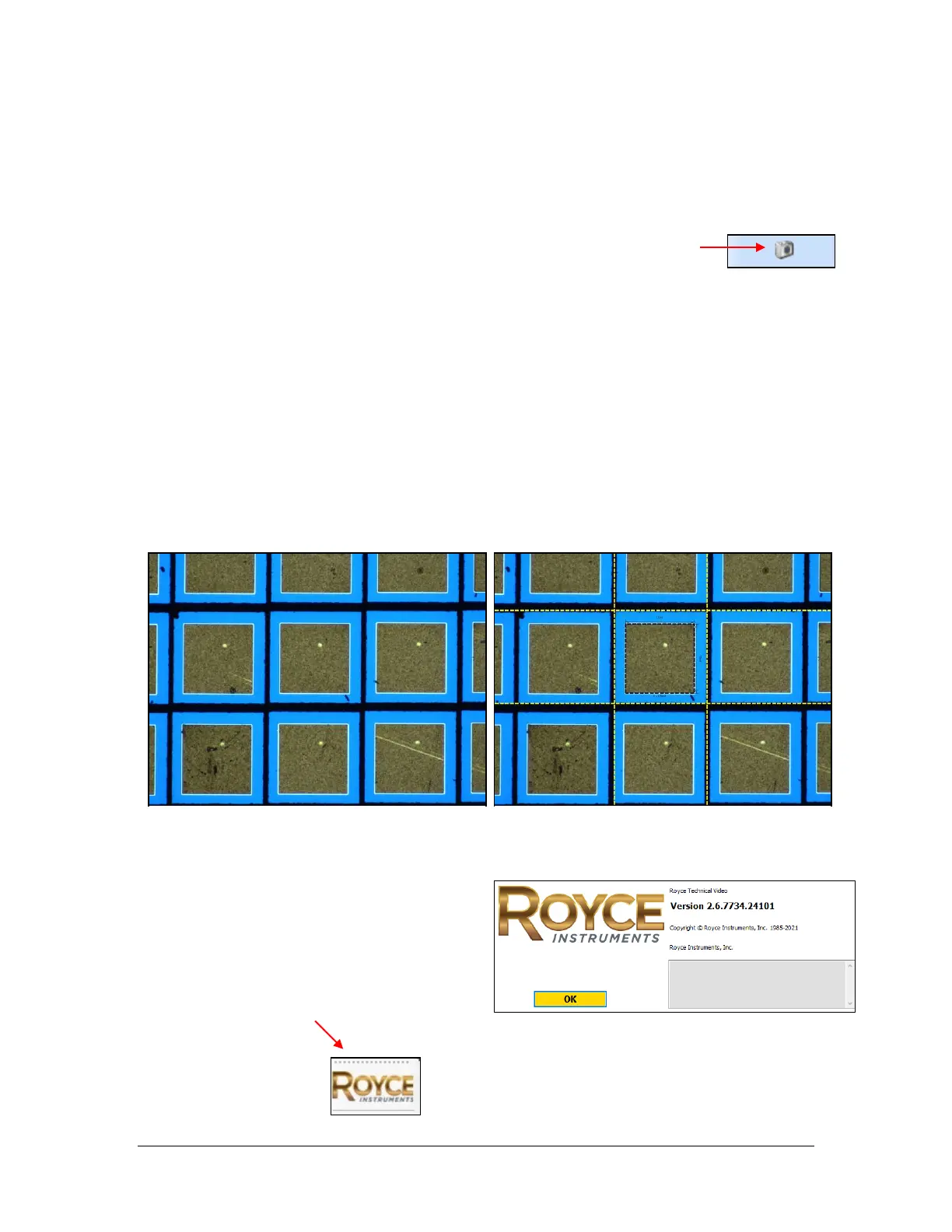
This feature allows the user to take a snapshot of the image shown in the live video
portion of the screen. This snapshot is captured with and without the on-screen shapes.
• By pressing the Camera Icon on the toolbar, the program
automatically captures two screenshots and saves them at the
below location as .png image files:
C:\Program Files (x86)\Royce Instruments\RoyceTechnicalVideo\Images
• The file name is automatically created based on the date and time (down to the
millisecond) at which the snapshot was taken.
• Either the letter A or Z is added to the end of the file name. The A image does
not show the on-screen shapes; the Z image does show the on-screen shapes.
See Figure 8 for an example.
Additional Program
Information:
• To display RoyceTechnicalVideo
software information and version
number, click the Royce logo on the
toolbar.



 To Next Page