32 D292469I
Digital Camera Adjustments
For FLIR USB3 Digital Cameras:
The digital camera settings are adjusted at the factory and typically do not require
subsequent adjustment. If running new applications or raw live camera images are too
dim, bright, or otherwise unclear even after illumination and focus adjustments, then
making adjustments to the digital camera settings may help resolve the issue.
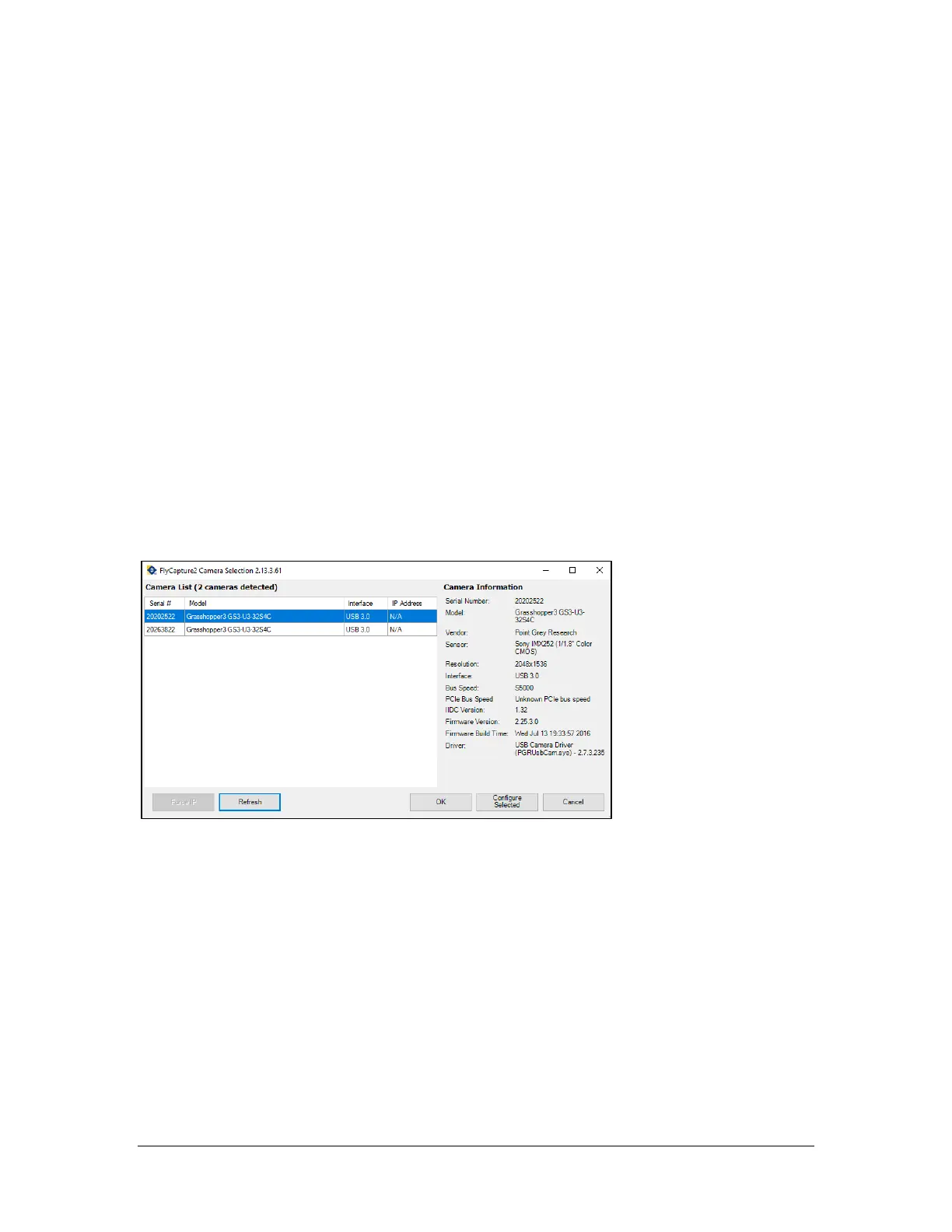
Ensure that Royce Technical Video software is closed. Launch the FlyCap2 utility, which
if not available on Desktop can be found in the Windows Start menu as follows:
Start -> All Programs -> Point Grey FlyCap2
Or
C:\Program Files\Point Grey Research\FlyCap2 Viewer\bin64\Point Grey FlyCap2.exe
In the Select Camera dialog, click on the camera in the list box so that the whole row
becomes selected, then click OK.



 To Next Page