36 D292469I
Using Mainframe Tools to Perform a Firmware Upgrade
1. Click Update Firmware.
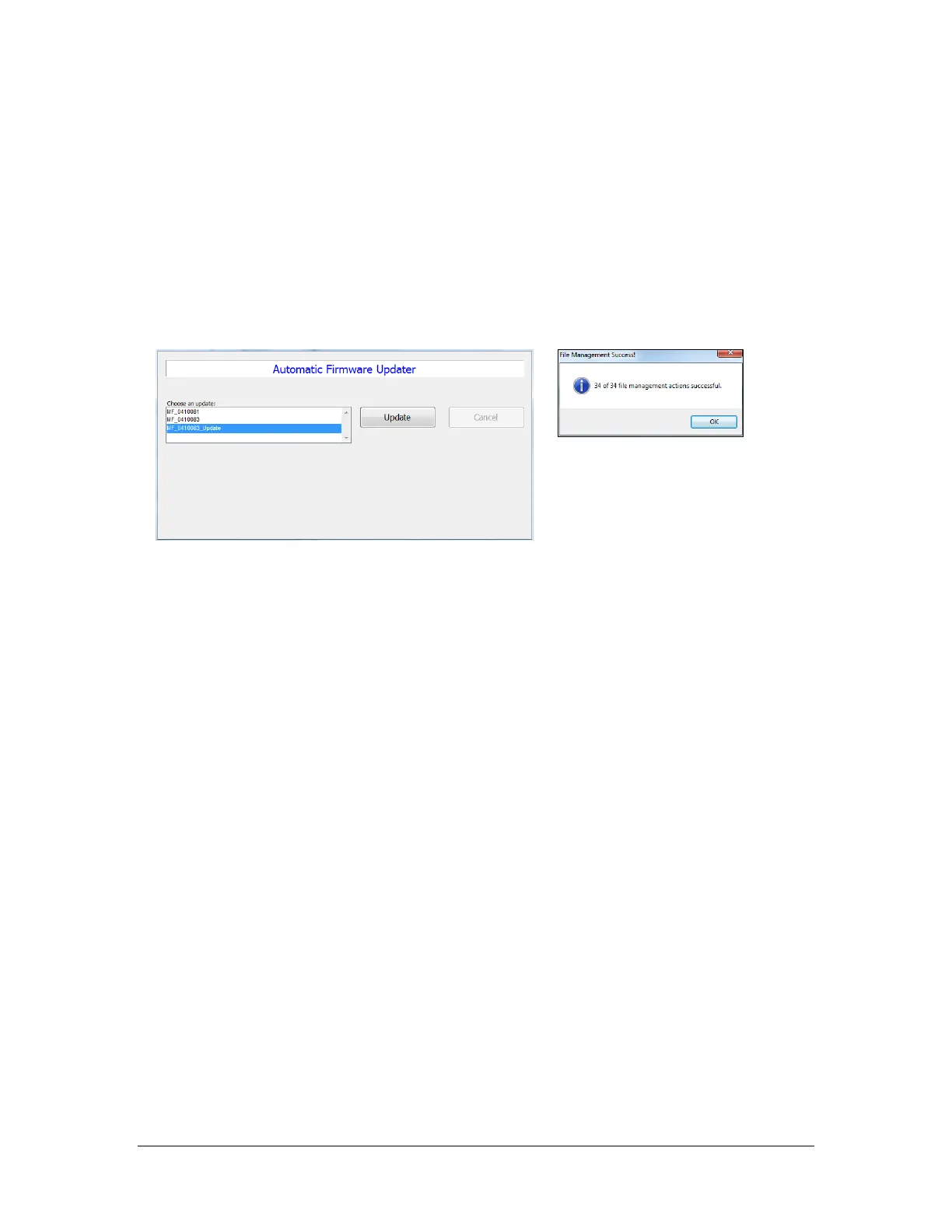
2. Within the new window click the desired firmware package
2
and click Update. To
restore mainframe firmware from a backup, click the desired backup
(MF_BACKUP_YYYYMMddHHmmss).
3. Once the update has completed a File Management Success dialog will appear and
indicate the number of affected files.
4. After completion click Exit to complete the process and reboot the DE35 with the
updated firmware.
2
Packages without the _Update suffix will overwrite the system’s current fixture file settings.



 To Next Page