Advanced Digital Video Platform Hybrid-DVR User’s Guide
: Pause
: Forward Normal Speed
: Forward Slow
: Forward Fast
Steps for fast playback : x2, x4, x8, x16,x30, x60, x120
Steps for slow playback : 1/2, 1/4, 1/8, 1/16, 1/30, 1/60, 1/120
4: Fast Playback Speed & Direction Control Bar
Mouse wheel up: faster in forward direction
Mouse wheel down: reversely faster
Center click: normal speed playback
Click on the right half of bar : faster in forward direction
Click on the left half of bar: reversely faster
7 level speed control for each direction
5: View window control
: Minimize the window
: Maximize the window
: Exit the „Web Viewer‟
6: Reconnect/Live&Search/Full Screen
: Log out and Reconnect
: Switching between the live preview and the search & playback
: Full screen video view. Press „ESC‟ to return to the window
7: Calendar Panel: show the selected date for searching. The green color indicates that
the recording data exist. Click the date will trigger the searching for the selected day.
The searching result is displayed on the time selection table (10).
8 : Copy the recorded video in the HYBRID-DVR to the PC
TAG name: Folder name where the copied AVI file to be saved.
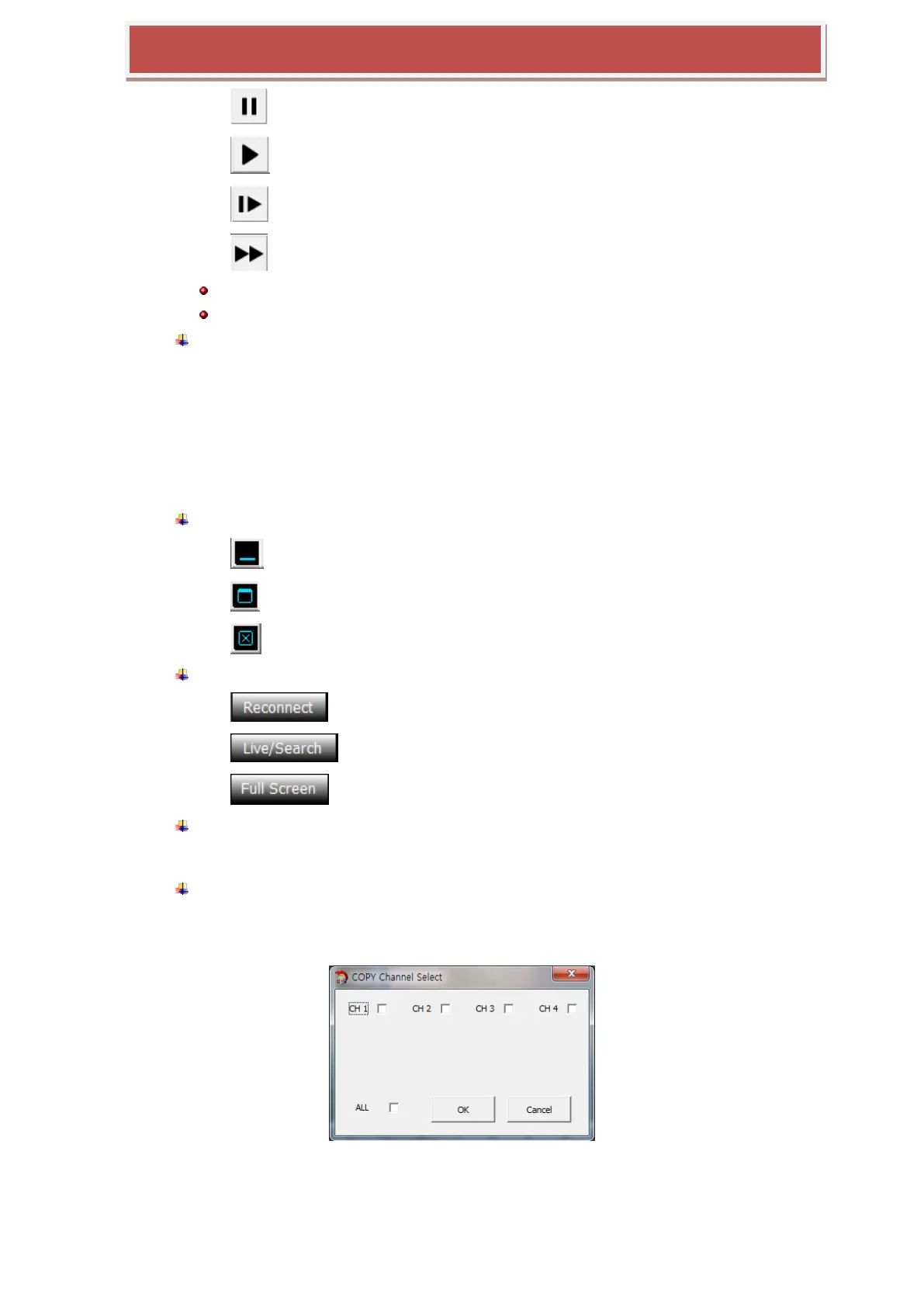
Channel: Choose the channel required to be copied
From: The start time of the recording data to be copied
To: The end time of the recording data to be copied
Copy Start: executing the copy operation



 To Next Page