Advanced Digital Video Platform Hybrid-DVR User’s Guide
Control a PAN/TILT camera movement
7.4.6.1 Initial Screen
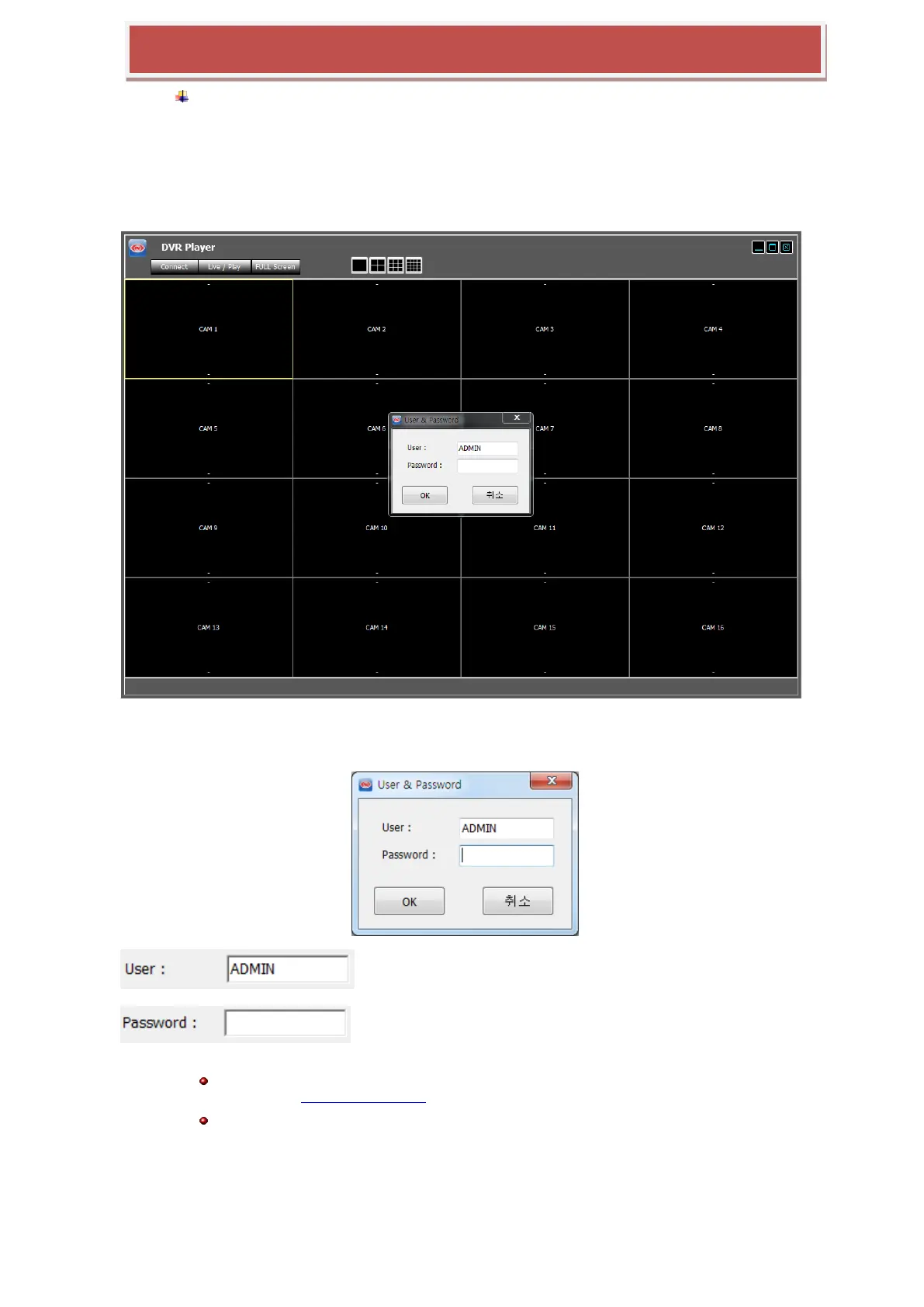
Executing the „Player‟ opens the application separated from the web browser and show the login
window such as below picture.
7.4.6.2 Log In
: Enter the USER name of HYBRID-DVR registered in the HYBRID-DVR
: Enter the password for the selected user.
The user authority and allowed functions, live preview, search & playback, PTZ control and etc., are controlled
by the setting USER AUTHORITY setting of HYBRID-DVR setup
USER ID and password is case-sensitive.
7.4.6.3 Live Preview
After login, the live preview screen will be shown such as below.



 To Next Page