Vertiv | SmartCabinet | User Manual 91
System Operation
Real-Time Alarm Pop-up Settings
•
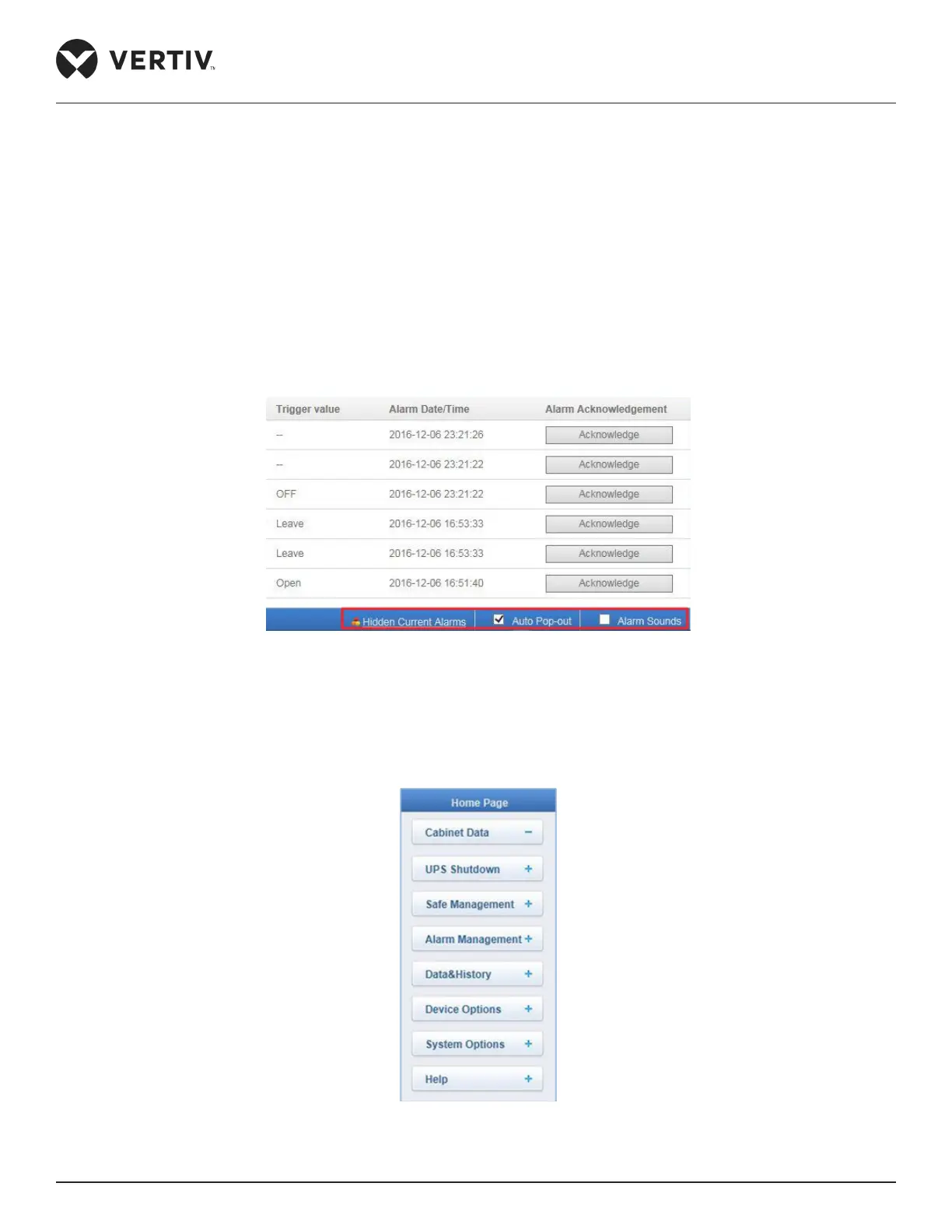
• Select the Auto Pop-out checkbox and the real-time alarm displaying list will pop up when an alarm is
generated.
• Select the Alarm Sounds checkbox. On selecting this option, the system will play the alarm sound through
the browser when an alarm is generated.
Refer to the following Figure 4-49 to see all the options mentioned in the list located at the right corner on the
bottom of the webpage.
Figure 4-49 Real-time Alarm Pop out settings
4.2.4. MSC Card Menu Items
Figure 4-50 Menu Items



 To Next Page