Vertiv | SmartCabinet | User Manual 84
System Operation
4.2.2. Login procedure for the MSC Intelligent Monitoring unit
Following are the steps that need to be followed for logging into the user interface of the MSC web
application:
1. Open the IE browser and enter the IP address of the MSC intelligent monitoring unit in the address box.
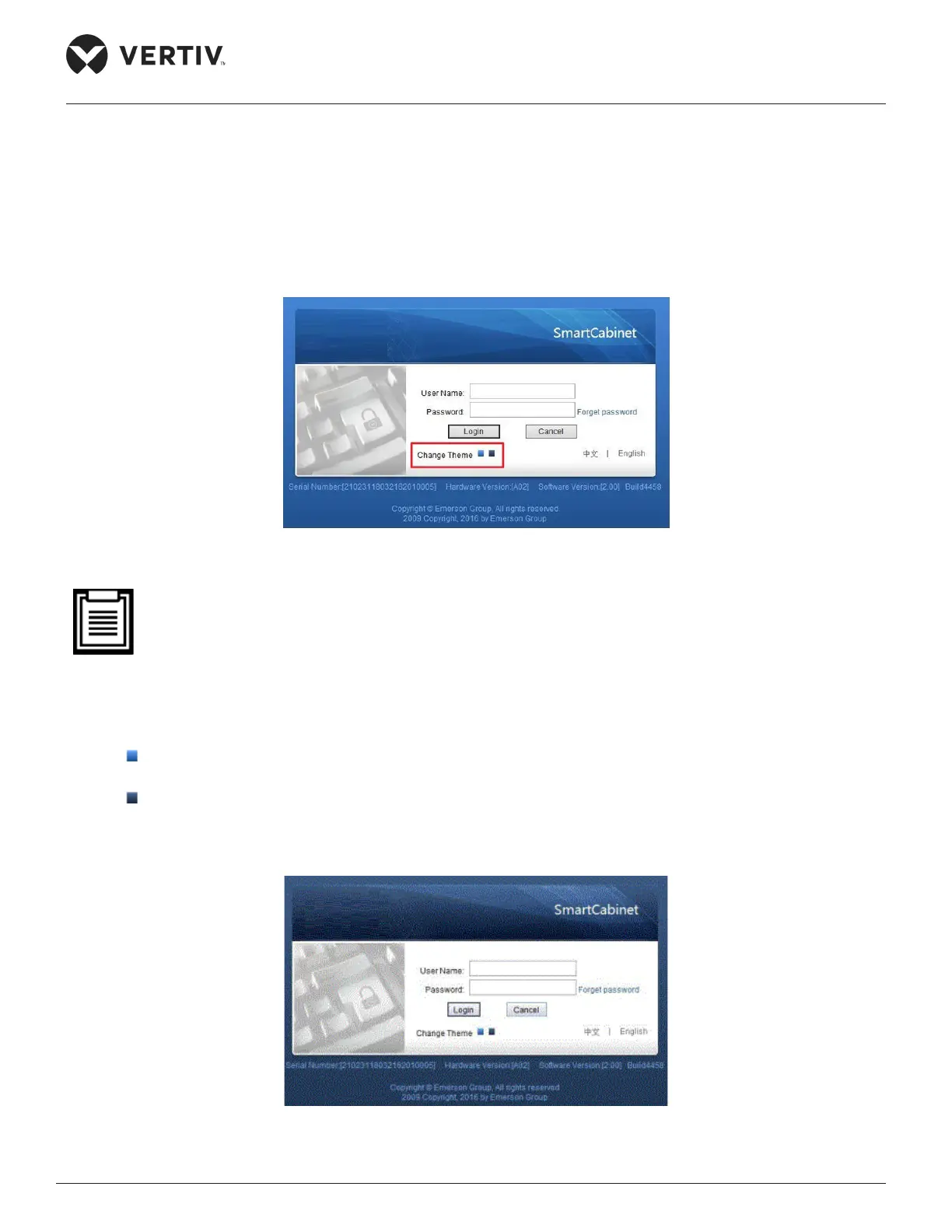
The login page will appear as shown in Figure 4-35.
Figure 4-35 Login screen of the MSC web interface
• If the login page doesn’t appear, refer to the troubleshooting steps in the section 5.2.5 FAQs for the
MSC Intelligent monitoring card.
2. In the preceding screenshot (Figure 4-35 Login screen of the MSC web interface), the highlighted red
portion shows two themes, namely:
» - Crystal blue
» - Ocean blue
3. If the ocean blue theme is selected, the screen color changes as shown in Figure 4-36:
Figure 4-36 Ocean Blue theme



 To Next Page