Vertiv | SmartCabinet | User Manual 113
System Operation
• If System Log or Driver Log is selected as the Log Type, clicking the Query button will lead to results
being downloaded in a zip le format rather than being displayed on the page.
4.2.4.7. Device Options
The Device Options function, on being clicked, will display the following three sub menus, namely- Device
4.2.4.7.1. Device Management
There are three tabs displayed on clicking Device Management, namely- Add/Modify/Delete Device, Signal
Add/Modify/Delete Device
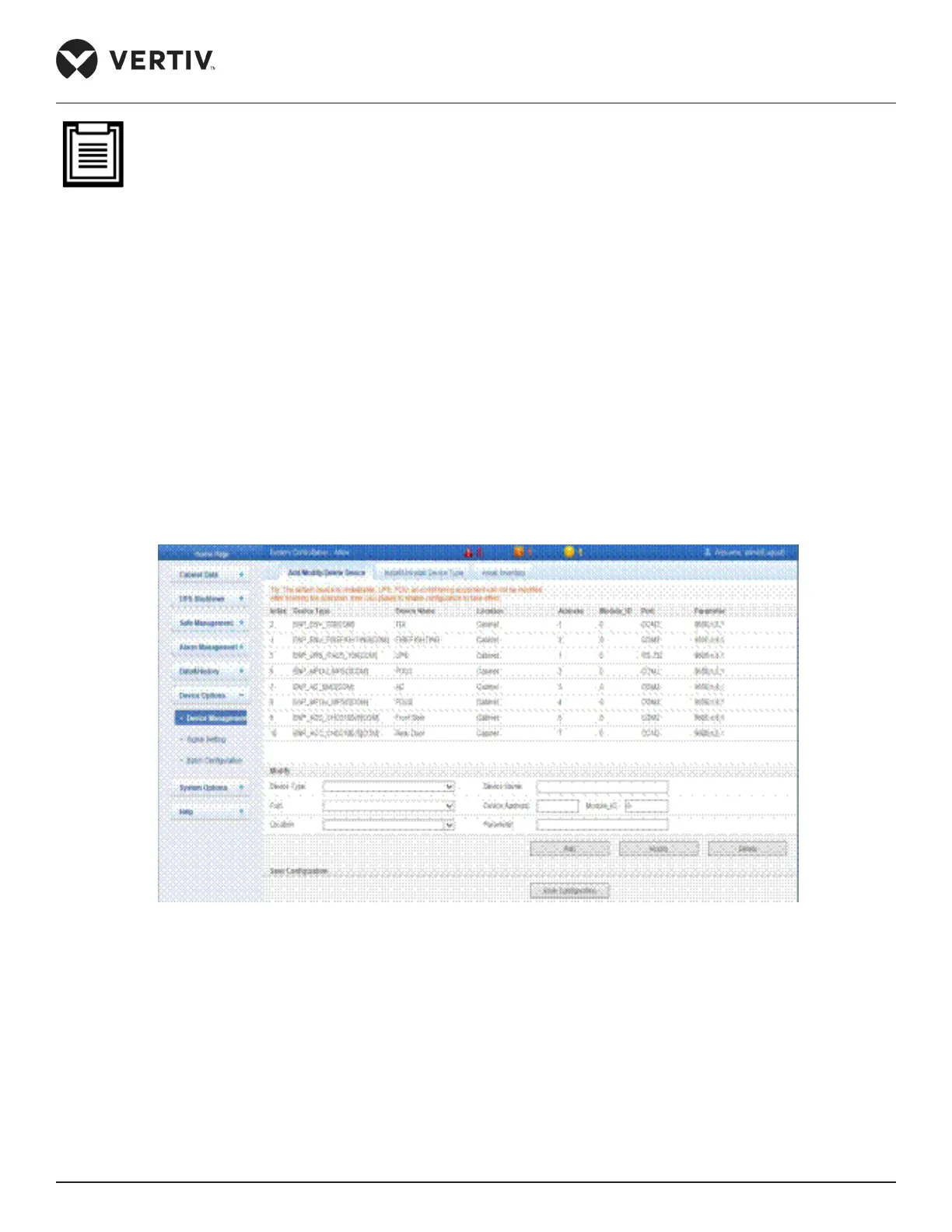
Figure 4-83 displays the Add/Modify/Delete Device function interface.
Figure 4-83 Add/Modify/Delete Device
• Adding a device:
» To add a device, select the appropriate Device Type, enter the Device Name, and select the Port and
Location.
» Enter the Device address in its respective textbox. The Device address ranges from 1 to xx and under
address as the textbox is grayed out and cannot be edited.



 To Next Page