Vertiv | SmartCabinet | User Manual 67
System Operation
4.1.2. Power & Distribution
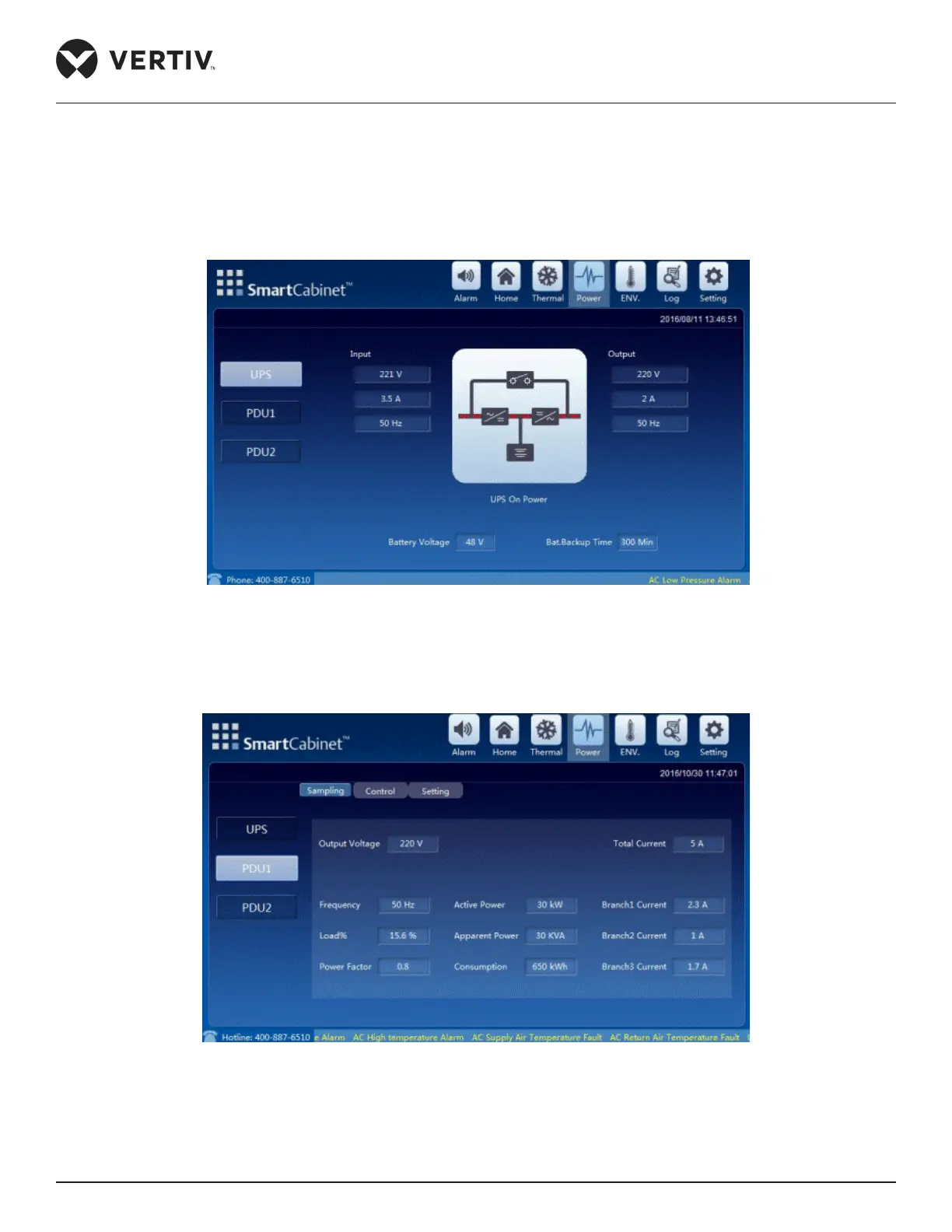
To access Power & Distribution, click the Power icon (next to the Thermal icon). The following screen displays
the Power page wherein the UPS and PDU information can be viewed. The PDU information is based on
Figure 4-7 Power screen
• In the preceding example, there are 2 PDUs by default. Each screen under PDU2 will have the same display
format as PDU1
Figure 4-8 PDU menu
For PDU 1, There are three tabs, namely – Sampling, Control, and Setting.



 To Next Page