Vertiv | SmartCabinet | User Manual 139
General Maintenance
5.2.5. FAQs for the MSC Intelligent monitoring card
Q1> Once the MSC intelligent monitoring unit is powered on, why is the power indicator not on?
A> To resolve this, ensure that the power cable is connected accurately.
Q2> What should be done when there is no access to the MSC intelligent monitoring unit login page when the
MSC intelligent unit communication is normal?
A> There are 3 remedial measures for this issue:
1. Ensure that the IP Address is correct.
» Ensure that the network cable is connected to the correct port.
» The default IP address of the MSC Card unit is 192.168.0.252.
2. Ensure the connectivity of the IP address
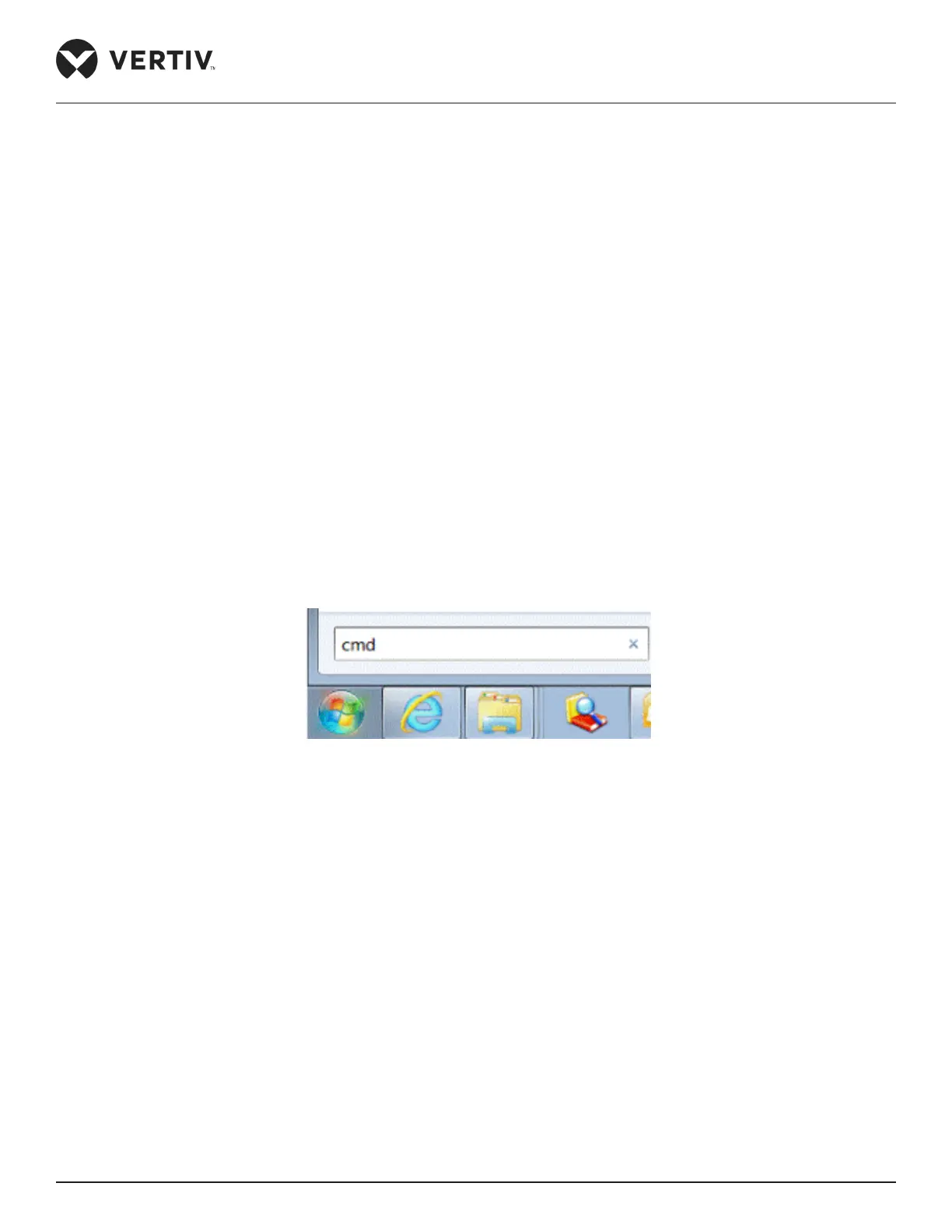
» UsethePingcommandtondtheconnectivity.ClicktheWindowsicononthelowerleftcornerand
typein“cmd”inthetextboxeldasshowninFigure5-1.
Figure 5-1 Type CMD in the Run Box
» Press the Enter Key and the Command Prompt page is displayed. Type Ping followed by the IP Address
in the command line as shown in Figure 5-2.



 To Next Page