Vertiv | SmartCabinet | User Manual 110
System Operation
4.2.4.6. Data & History
menu button on the left hand side of the functions list following which the three submenus are populated,
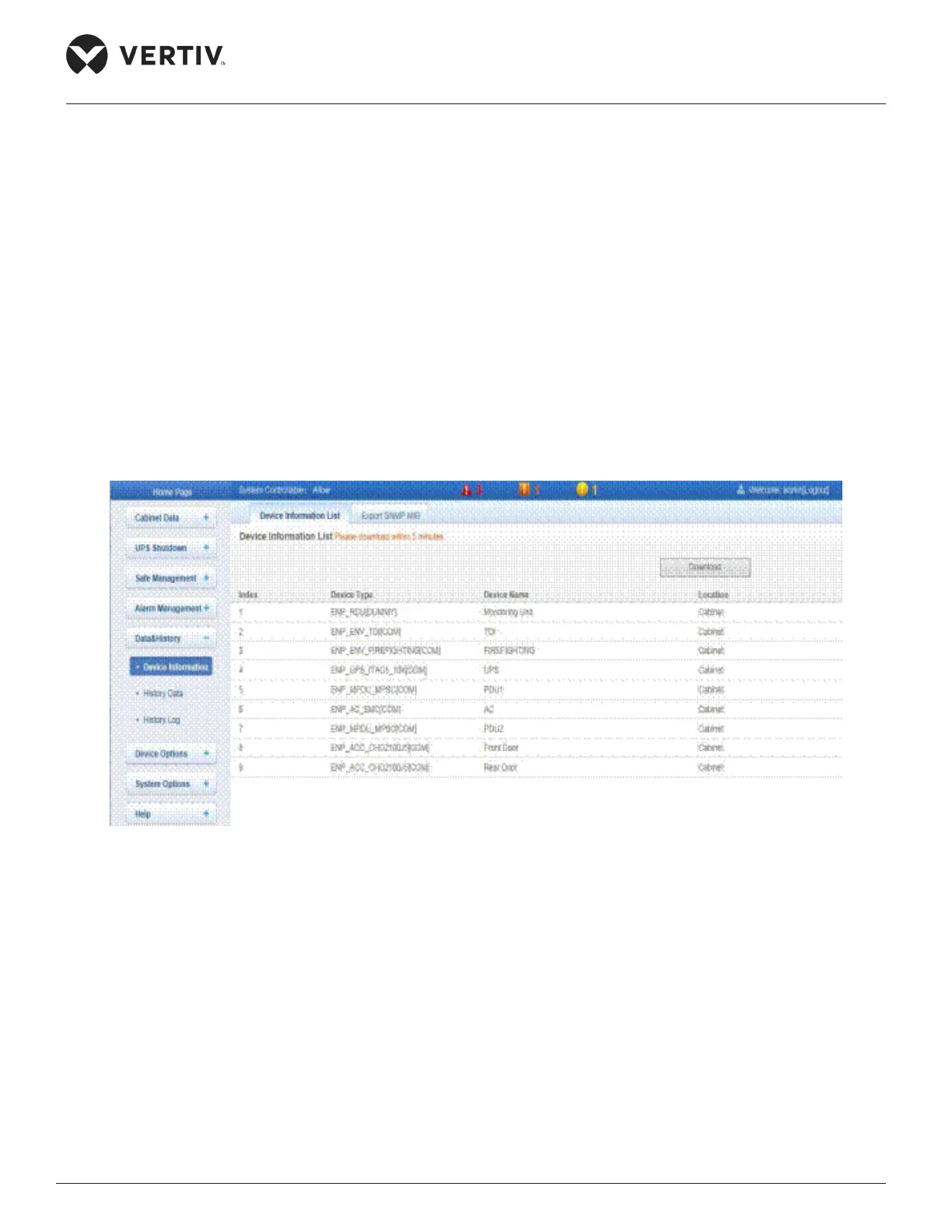
4.2.4.6.1. Device Information
Click the Device Information option to display two menu tabs, namely-Device Information List and Export
Device Information List
Figure 4-78 Device Information List
Export SNMP MIB
given point of time or it can be exported depending on the device. Either ways, select the device type and
click on the Download button to obtain the relevant information.



 To Next Page