Vertiv | SmartCabinet | User Manual 119
System Operation
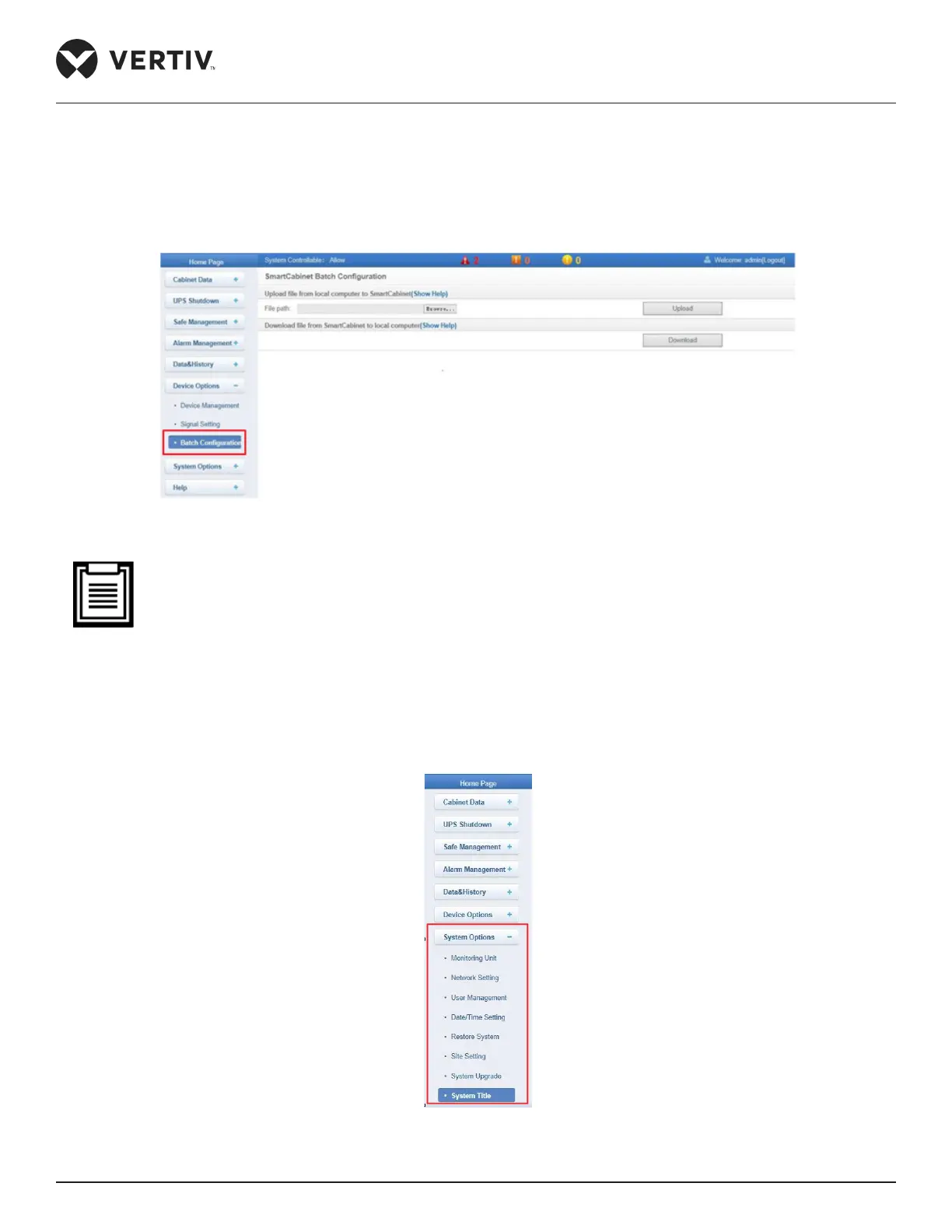
4.2.4.7.3. Batch Conguration
respectively.
Figure 4-92 Batch Conguration
• Only the admin has the authority of batch conguration. Click on Show Help if Batch conguration has
failed due to some reason. Also, the batch conguration le is encrypted after being downloaded to a
local device location.
4.2.4.8. System Options
Click System Options menu to reveal eight submenus, namely- Monitoring Unit, Network Setting, User
Management, Date/Time Setting, Restore System, Site Setting, System Upgrade, and System Title.
Figure 4-93 System Options



 To Next Page