Vertiv | SmartCabinet | User Manual 120
System Operation
4.2.4.8.1. Monitoring Unit
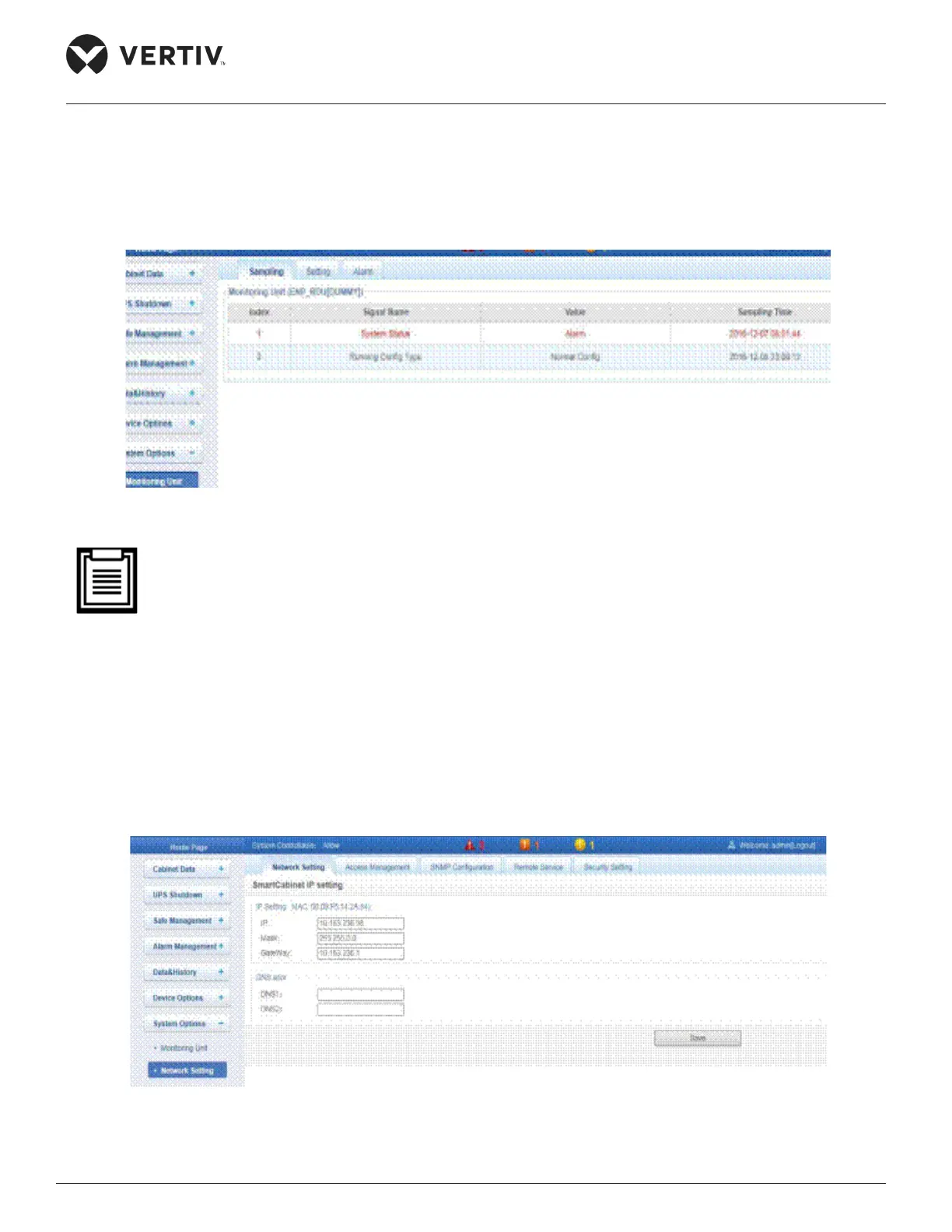
The Monitoring unit submenu is used to set the signals of the MSC monitoring unit. There are three tabs
that are visible on the screen, namely- Sampling, Setting, and Alarm. For more information on the Sampling,
Setting, and Alarm options, refer to the Cabinet Data section.
Figure 4-94 Monitoring Unit
• On the Setting tab, if the Outgoing Alarm Blocked setting is set to Blocked, then in this scenario:
» For current alarms, the page will display the alarm signals but will refrain from sending
logs.
»
4.2.4.8.2. Network Setting
The Network Setting submenu contains the following tabs, namely- Network Setting, Access Management,
Figure 4-95 Network Setting



 To Next Page