Vertiv | SmartCabinet | User Manual 92
System Operation
4.2.4.1. Cabinet Data
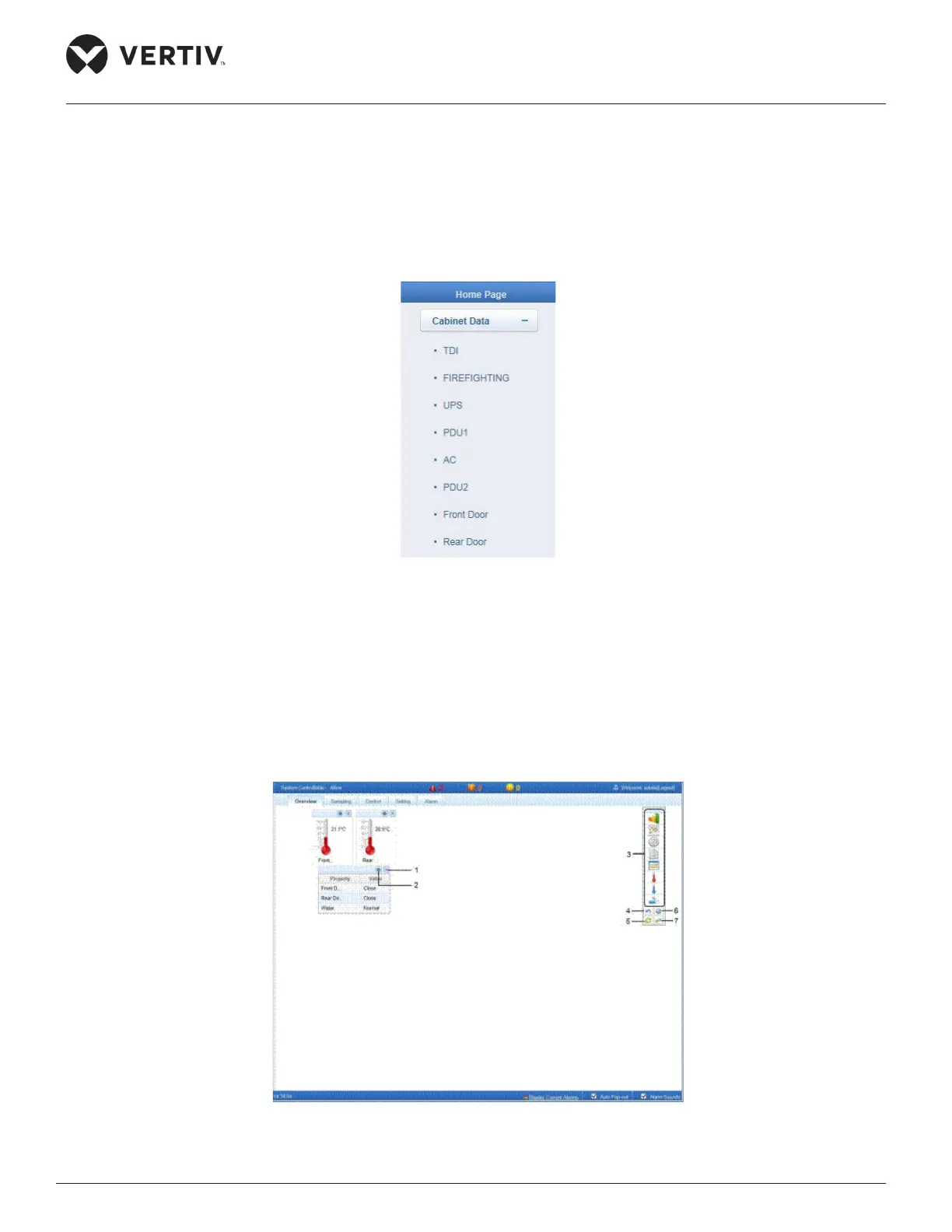
The Cabinet Data menu item when clicked will display the following sub menu items:
Figure 4-51 Cabinet Data menu
On clicking any device, the right side of the screen will get populated with information divided into 5 sections,
namely- Overview, Sampling, Control, Setting, and Alarm.
4.2.4.1.1. Overview
Click Edit button, the Overview screen is displayed as shown in Figure 4-52.
Figure 4-52 Overview screen



 To Next Page