Vertiv | SmartCabinet | User Manual 77
System Operation
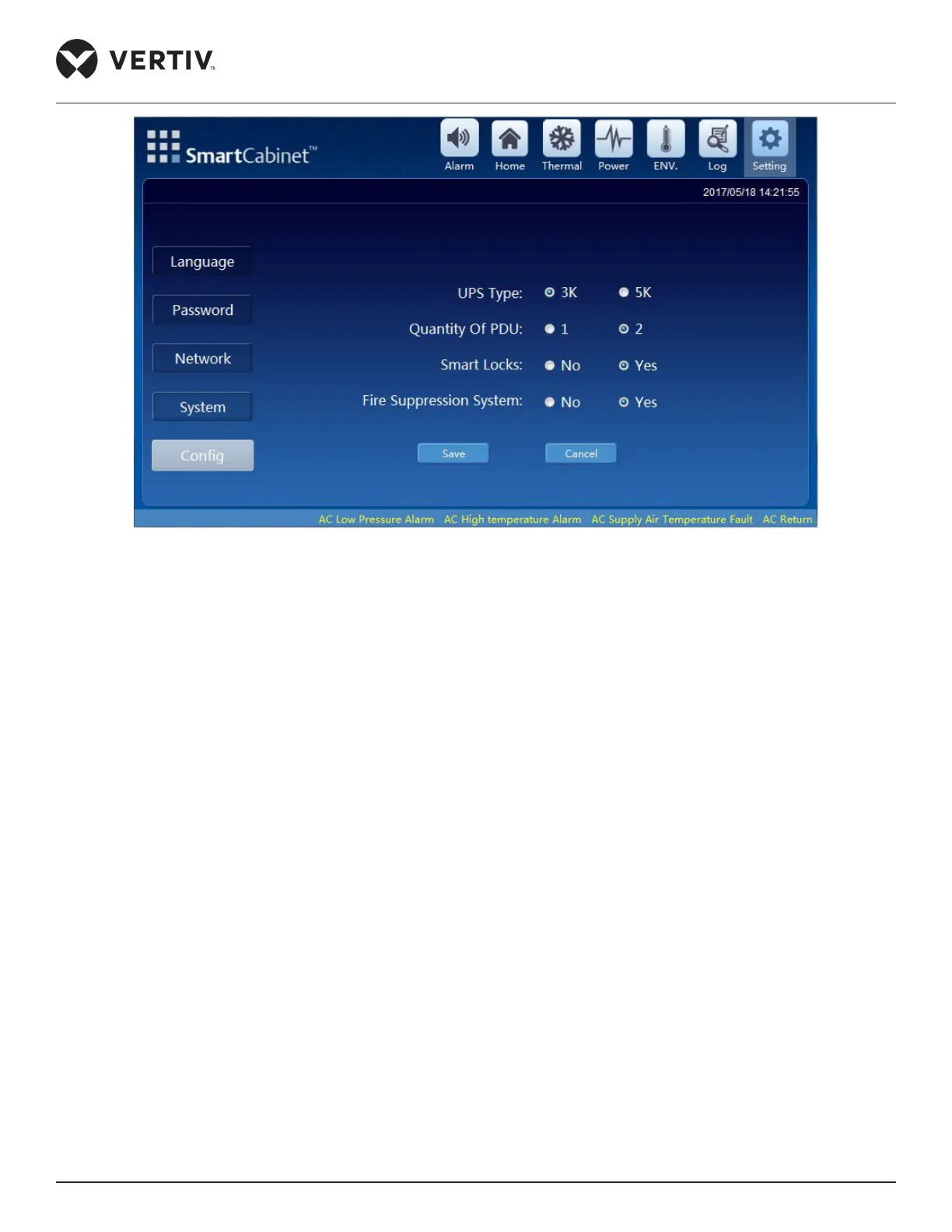
Figure 4-23 Cong settings
200 seconds.
4.2. Webpage of the MSC Intelligent monitoring unit
In this section, the login procedures and the relevant functions of the intelligent monitoring unit are explained in
depth in order to enable users to get to grips with the inner workings of the application.
4.2.1. Login Preparation
In this section, the login procedures and their respective browser settings are explained in detail.
•
and test it’s connectivity. For detailed procedures on testing the connectivity, refer to Section 5.2.5 FAQs for
the MSC Intelligent monitoring card.
• The recommended browser versions for the application are Internet Explorer (I.E.) version IE8, IE9, IE10, and
IE11.
Browser Settings
The browser general settings, proxy settings, and the security settings are explained in detail. In this section to



 To Next Page