Vertiv | SmartCabinet | User Manual 86
System Operation
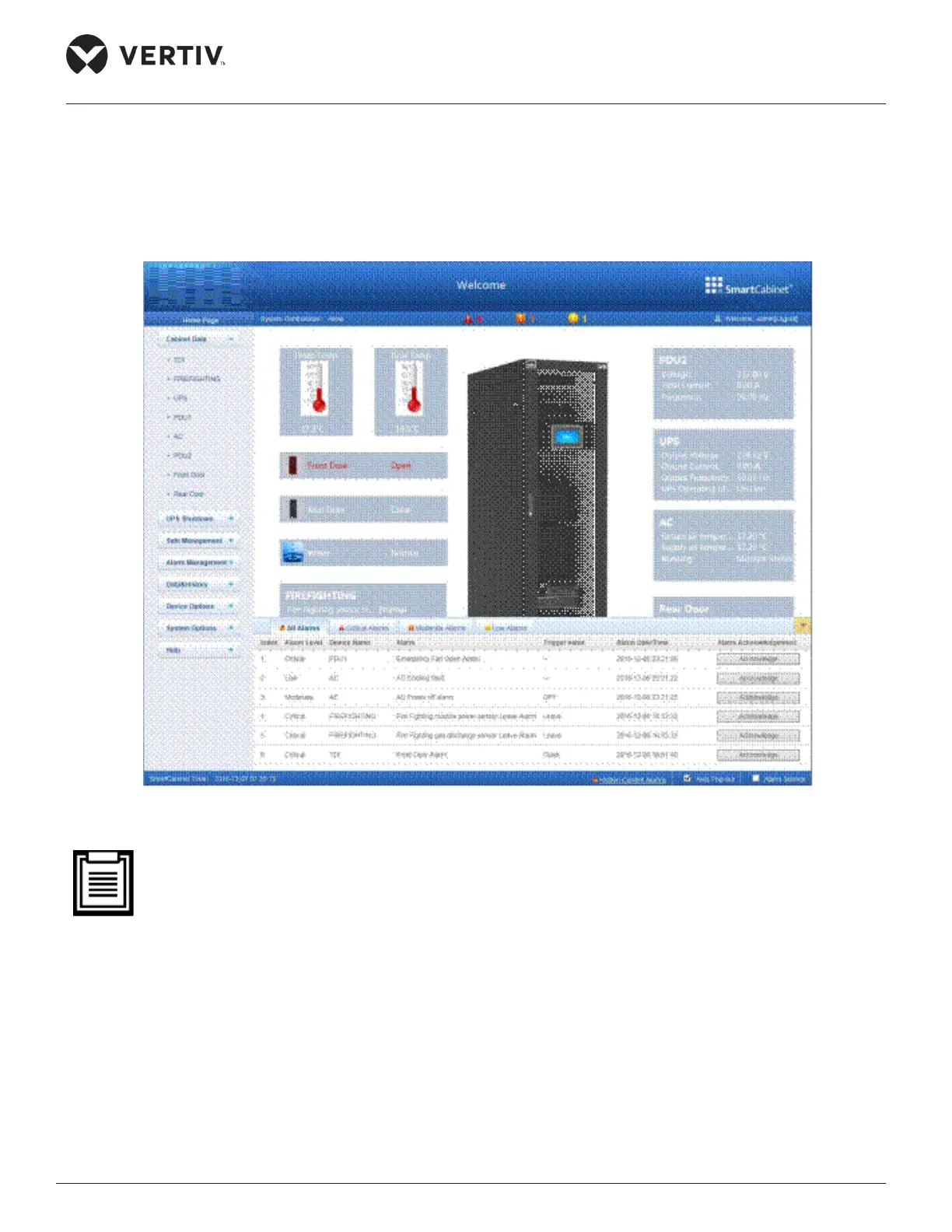
4.2.3. Home Page of the MSC intelligent Monitoring unit
Setting up the Home Page
Figure 4-39 Home Page of the MSC card web interface
• In case of an abnormal operation, the relevant fault or alarm will occur. The emergency ventilation sys-
tem can prevent continuous temperature rise inside the cabinet within a short time frame. If the high
temperature fault has not been rectied for quite a long time, the technicians need to open the front
and rear door of the cabinet; subsequently, contact the Vertiv customer support center for trouble-
shooting of the issue.



 To Next Page