Vertiv | SmartCabinet | User Manual 137
General Maintenance
Checking the UPS status
» CleantheUPS,especiallytheventilationholes,toensurefreeairowinsidetheUPS.Ifneeded,cleanthe
UPSwithavacuumcleaner.Conrmtherearenoobstructionsintheventilationholes.
» Check if the UPS is faulty by inspecting if the fault indicator is on or if there is any alarm from the UPS.
» Check whether the UPS is operating in the Bypass mode. Usually the UPS works in the Normal mode
andtherefore,ifitworksintheBypassmode,conrmthereasonforthesame;thecausemayrangefrom
scenarios such as operator intervention, Overload, or any internal fault to mention a few.
» Checkifthebatteryisdischarging;ifthemainsarenormal,thebatteryshouldnotbedischarging.Ifthe
UPSworksinBatterymode,conrmthereasonforthesame;thecausemayrangefromscenariossuchas
operator intervention, mains failure or battery tests among others.
• For detailed maintenance or repairs, refer to the Liebert 5kVA user manuals depending on the UPS used
in the SmartCabinet system.
5.2.3. Disassembly
SmartCabinethassubstancesandcomponents(electronicelements)whichmaybeharmfultothe
environment. Therefore, if the product life has reached the last stage, it must be disassembled by professional
andqualiedtechnicians.VertivrecommendsthattheSmartCabinetsystemmustbesenttotheSpecial
harmful substance handling center. Check for local regulations and protocols for the disposal process.
5.2.4. Troubleshooting
Following is the troubleshooting checklist that includes general troubleshooting. However, clinical
troubleshootinghastobecarriedoutbyqualiedandauthorizedpersonnel.
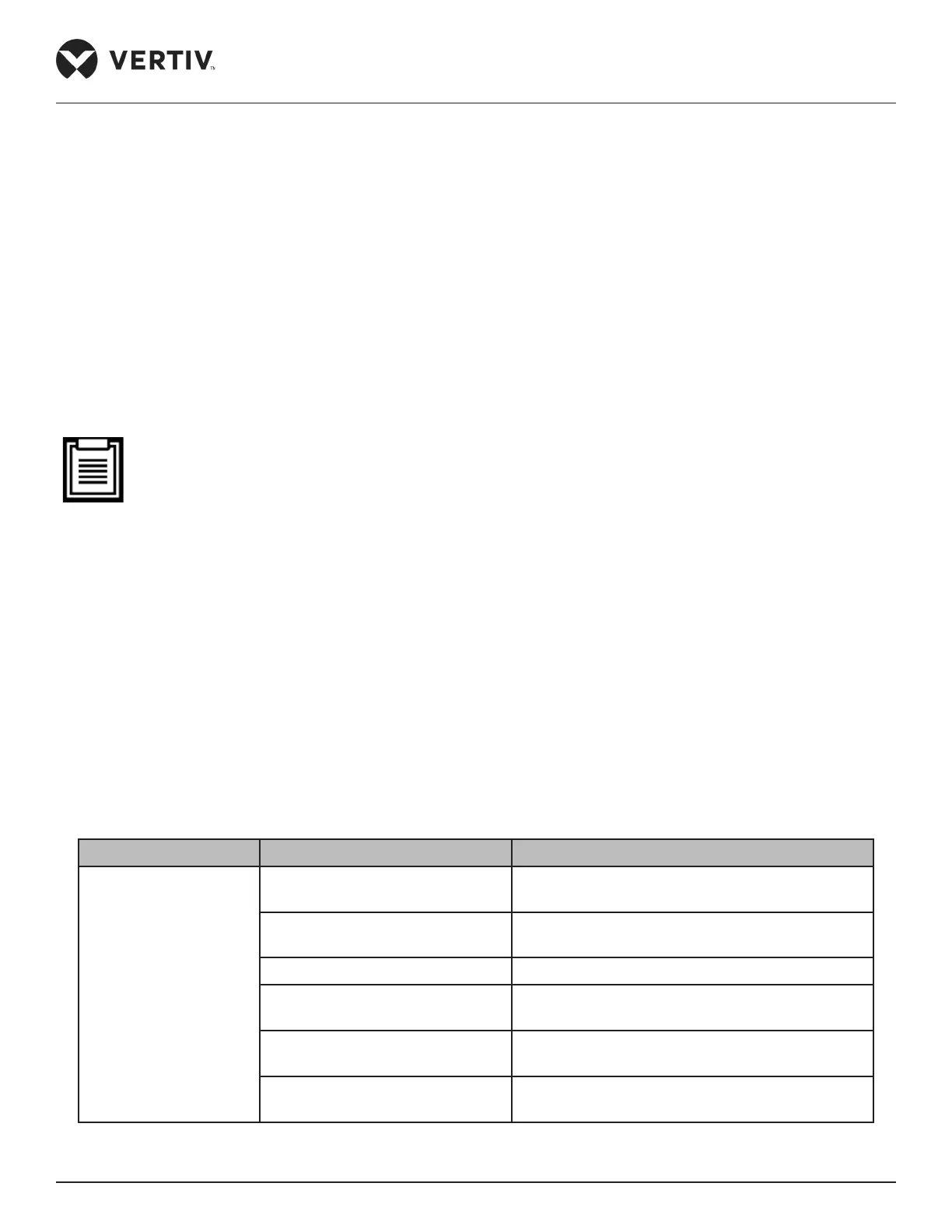
Table 5-2
Fault Phenomenon Possible Cause Check or Remedy
Environmental high
temperature alarm
Unreasonable High temperature
Check and reset the high-temperature alarm point
of the temperature sensors on the front door
Use in overload
View whether the max. actual heating load is over
the rated value
Fan does not run normally Check whether the fan air breaker is closed
Fan is faulty
Call the customer service hotline of Vertiv:
4008876510
The AC refrigeration output is
faulty
Call the customer service hotline of Vertiv
The closed doors are not closed
completely
Check all closed doors and close them completely



 To Next Page