Vertiv | SmartCabinet | User Manual 40
System Installation
• The center of the air duct is 1824mm away from the bottom plate of the unit.
• The air duct size is 300*400 mm. The xing holes for connecting to the air ow guiding pipe are
reserved on the air duct; the connection between the air duct and the air ow guiding pipe need to be
xed during the eld construction.
• An induced draft fan can be used in the system. Install it in the air duct outlet to reduce the air duct
resistance; just ensure that the cooling operation is functioning appropriately as usual.
• The longest air duct supported by the system is 10m long with 2 elbow bends. If further extension in
length is required (i.e. above 10m), contact the Vertiv Co. service department.
2.3.7. Installation of the SmartCabinet Monitoring system
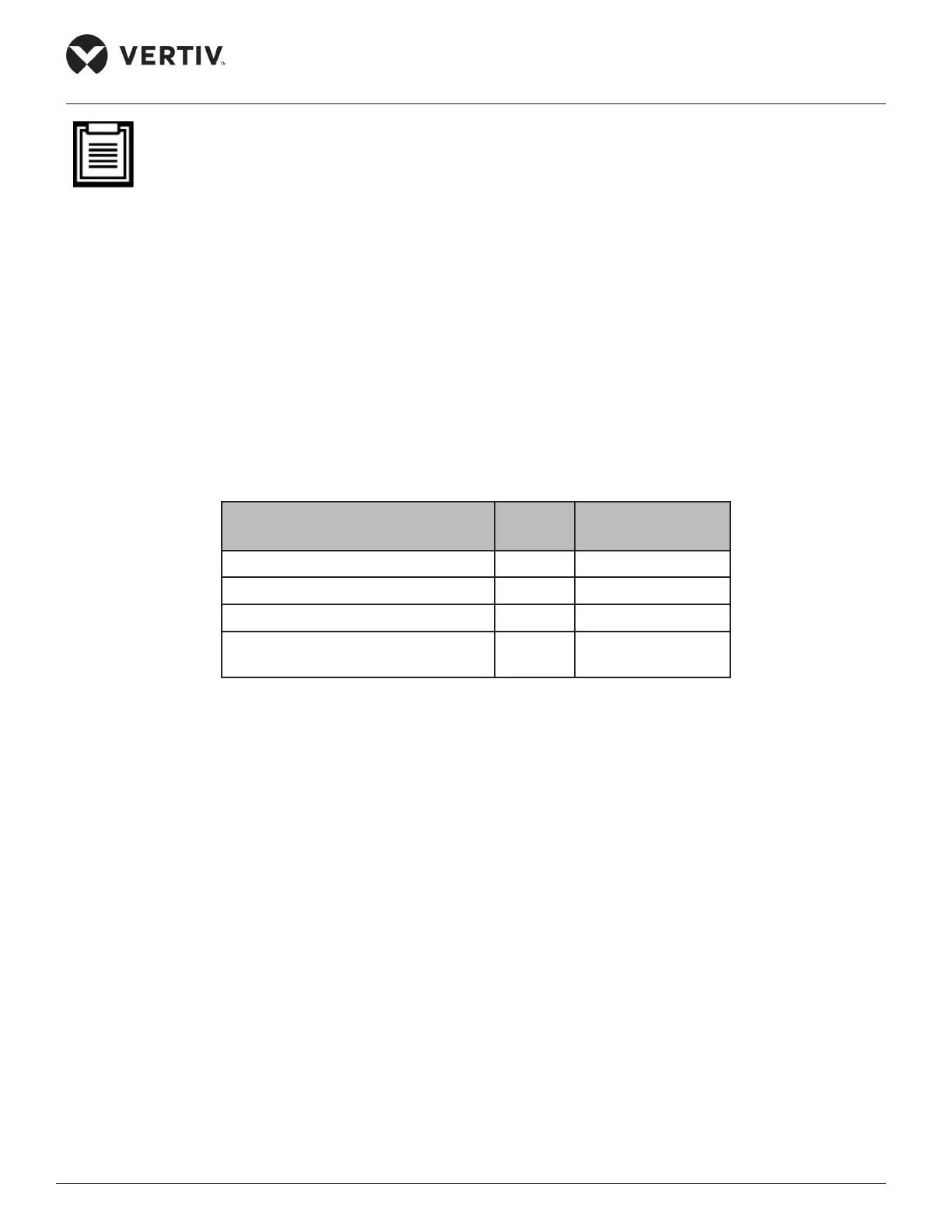
The following Table 2-11 shows the conguration of the SmartCabinet Monitoring system:
Table 2-11
Product Name Quantity
Product External
Model
MSC Intelligent Monitoring card 1 MSC-C-C
Intelligent Temperature sensor 2 IRM-S01T
Water Leakage Detective Belt sensor 1 IRM-S01W (5m)
Intelligent Digital Input sensor with
RJ45 ports
1 IRM-S04DIF
Installing the MSC intelligent monitoring card
• The MSC Monitoring card is a Web/SNMP intelligent device monitoring card. It can monitor the system
state of intelligent devices, record alarm events, and notify the users of the alarms via email or SMS.
• Operating parameters can be set and the state of the devices can be viewed through an embedded web
HMI.
• Another important aspect is the transmission of state of the monitored intelligent devices to the Network
Management Software (NMS) using the SNMP protocol.



 To Next Page