Vertiv | SmartCabinet | User Manual 61
System Commissioning
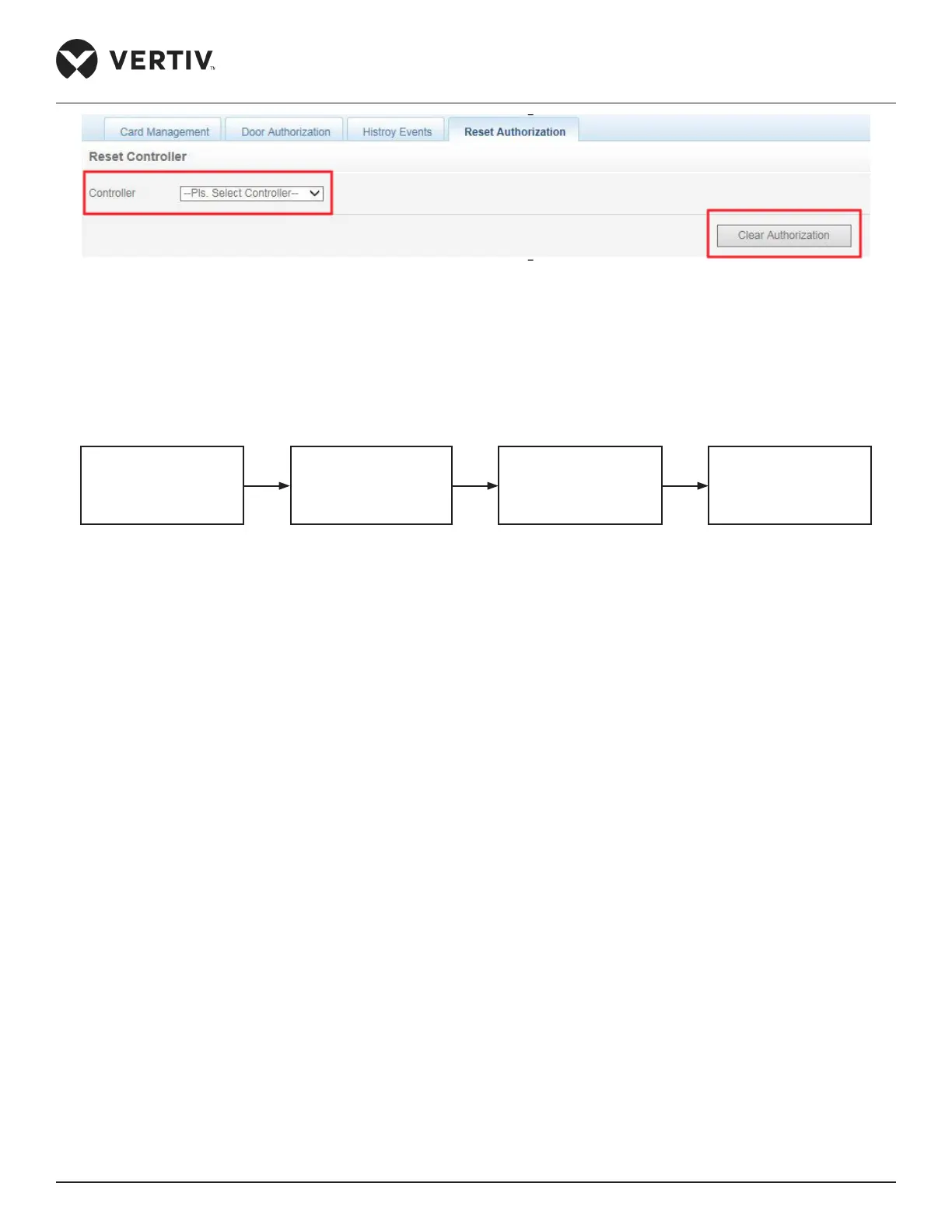
Figure 3-11 Reset Authorization
3.5. Power OFF
Following is a set of procedures depicted in a ow chart for the Power O process:
Figure 3-12 Power o Flowchart
Step-by-Step procedures are jotted in the following list for the Power OFF process:
1. All User IT equipment must be strictly powered o.
2. Turn o the AC in the Hot Management Menu using the LCD monitoring system.
3. Once cold air stops owing from the AC, open the AC air breaker on the PMU.
4. Press the OFF key of the Display Panel.
5. Open the UPS input and output air breakers.
6. Open the total air input breaker on the PMU.
7. Conrm If all the equipment is powered o.
8. Close all the doors of the cabinet.
This sums up the commissioning process.
Turn-o user
equipment
AC power-o
UPS power-o
Open total input
power air-breaker



 To Next Page