Vertiv | SmartCabinet | User Manual 85
System Operation
4. Type the User Name and Password in their respective textboxes followed by clicking the Login button. If
5.
sub-section under the 4.2.1 Login Preparation section to set the IE browser.
6.
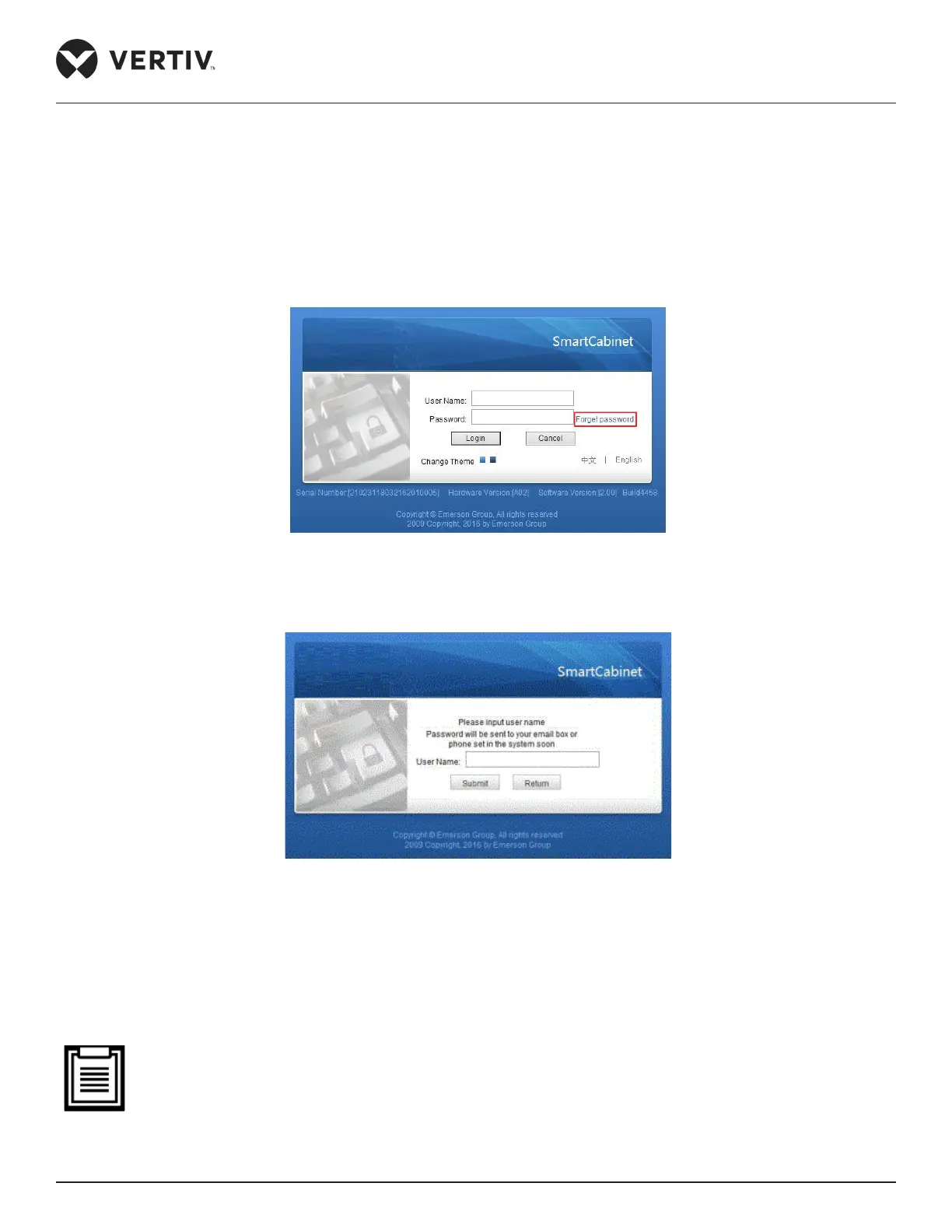
textbox as shown in Figure 4-37:
Figure 4-37 Forget password link
7. On clicking the link, the following screen will appear as shown in Figure 4-38.
Figure 4-38 Retrieval of password
8. Enter the User name in the Username section and click on Submit. To cancel the operation of retrieval of
password, click the Return button.
9.
password retrieval.
• The password can be retrieved only when the Email and SMS parameters have been congured on the
SMS and Email Server Conguration page. The password received is a random temporary password and
has to be modied after successful logging into the system.



 To Next Page