Vertiv | SmartCabinet | User Manual 121
System Operation
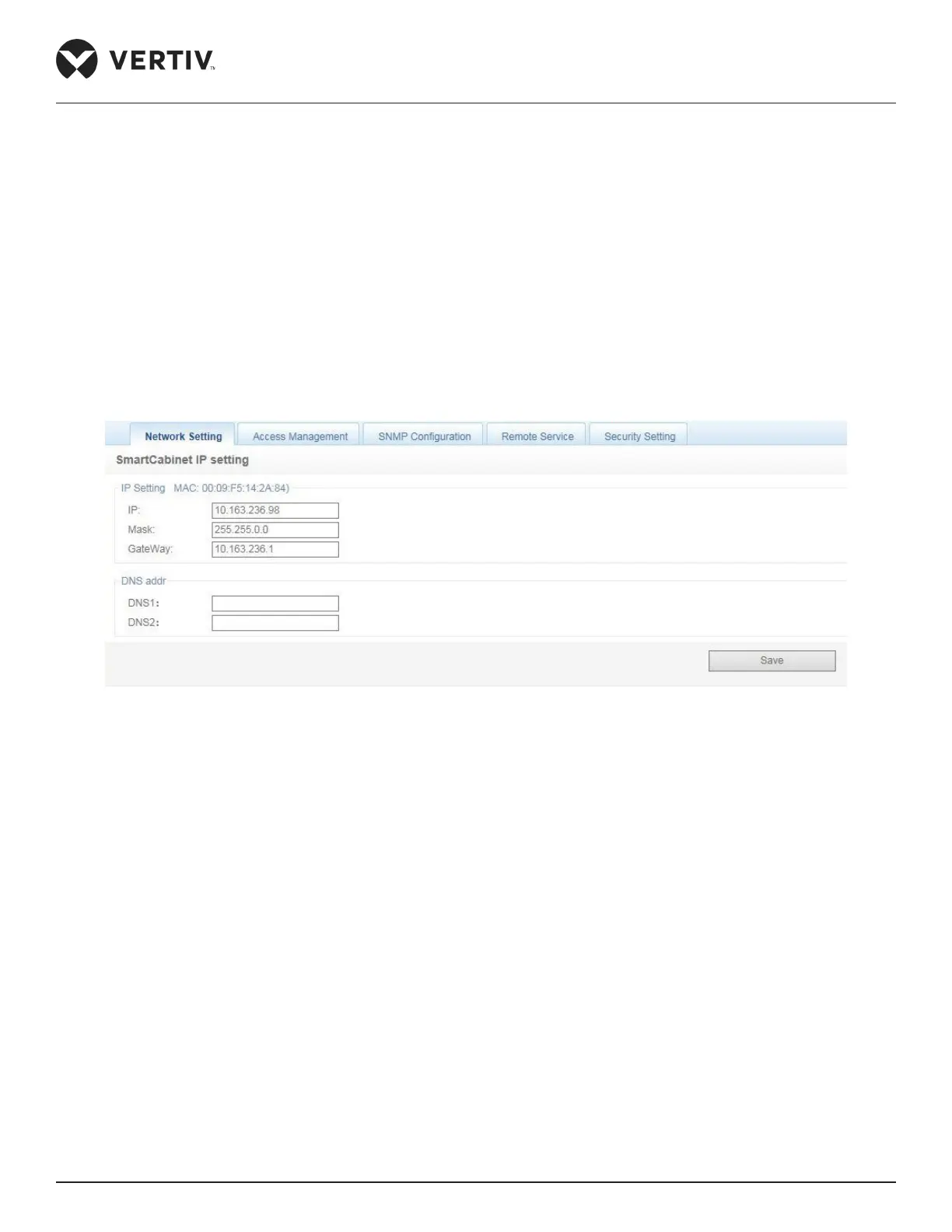
Network Setting
» IP (for the IP address)
» Mask (for the Subnet Mask)
» Gateway (for the IP Gateway address)
» DNS1 (for Preferred Domain Name Server)
» DNS2 (for alternate Domain Name Server)
Figure 4-96 Setting IP Parameters in the Network Setting tab
Once all the values are entered, click on the Save button to store the settings.
After modifying the IP address, the system will adopt the new IP address settings by default. Use the new IP
address to login again into the MSC intelligent monitoring system.
Access Management
The Access management is used to provide access to the RDU monitoring unit (Refer Figure 4-97)



 To Next Page