Vertiv | SmartCabinet | User Manual 114
System Operation
»
»
and certain, then the communication parameter textbox gets auto populated with the parameter of the
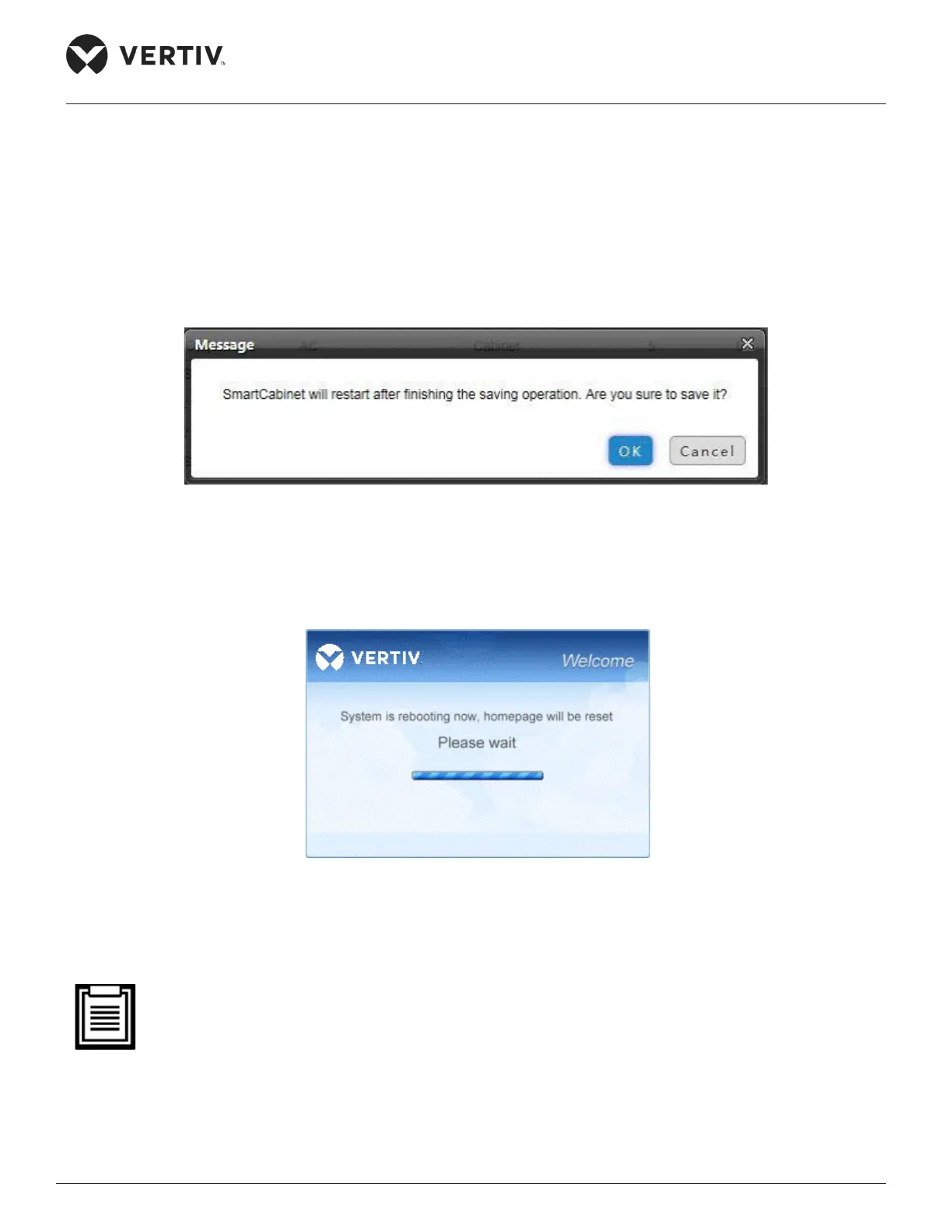
» Click Add following which the screen displays a message stating that the SmartCabinet will restart
Figure 4-84 SmartCabinet Restart message
»
»
Figure 4-85 Reboot screen
» After rebooting, the user needs to log into the system again and the added device will appear in the
• SmartCabinet is to be congured using One Key via the Local LCD Screen. The Equipment added
through the web interface of the MSC card cannot synchronize the data to the LCD screen
• Deleting a device
»



 To Next Page