Vertiv | SmartCabinet | User Manual 115
System Operation
»
» Once the system restarts, the device will no longer be visible in the list.
* If the device information has been modied, then it cannot be deleted.
• Modifying a device
»
» Modify the Device information
» Click Modify to store the settings.
»
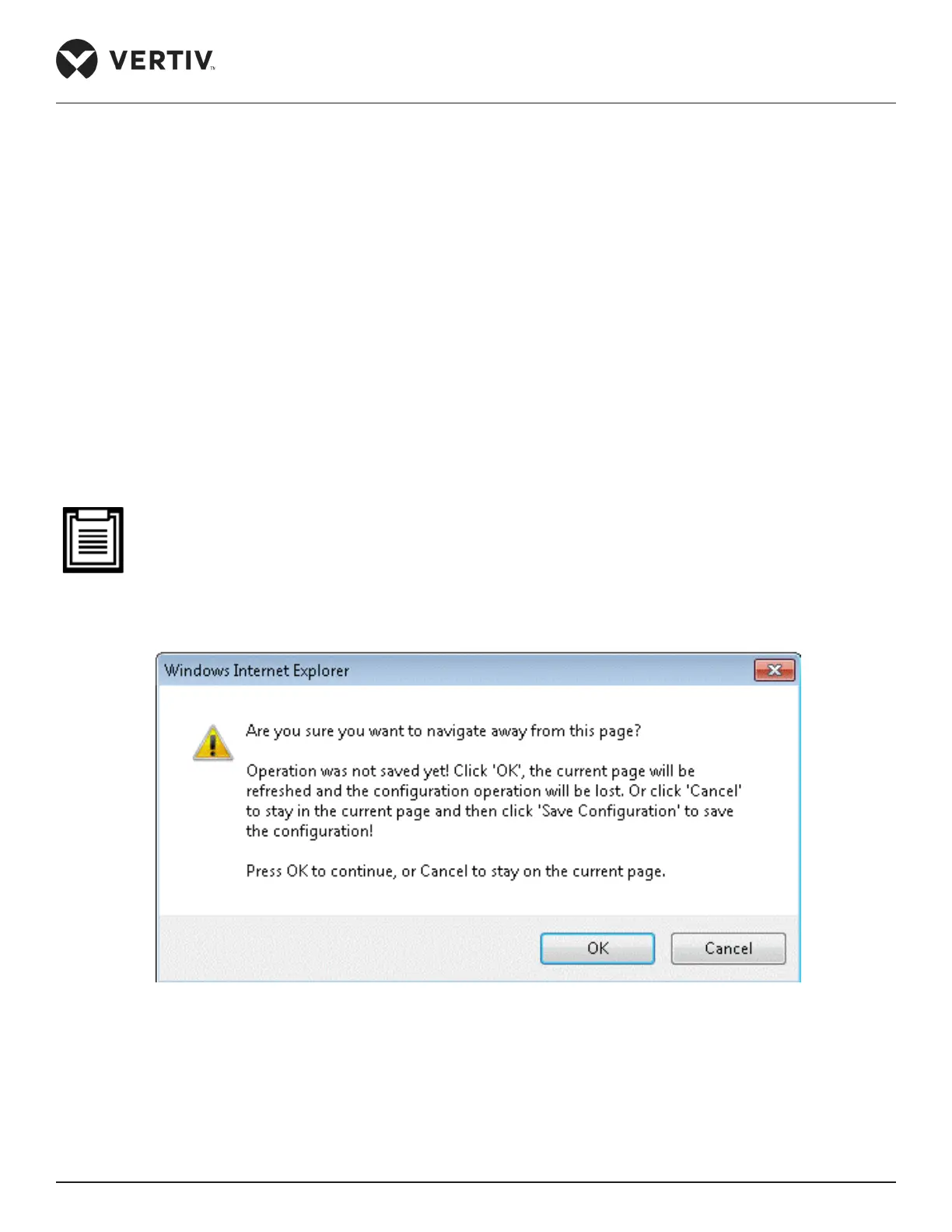
• It is mandatory to click the Save Conguration button after modifying / adding / deleting procedures. If
the Save Conguration button is not clicked, a prompt message will be sent to the screen stating that
conrmation is required to save the conguration.
Figure 4-86 Save Conguration Message prompt



 To Next Page