Vertiv | SmartCabinet | User Manual 104
System Operation
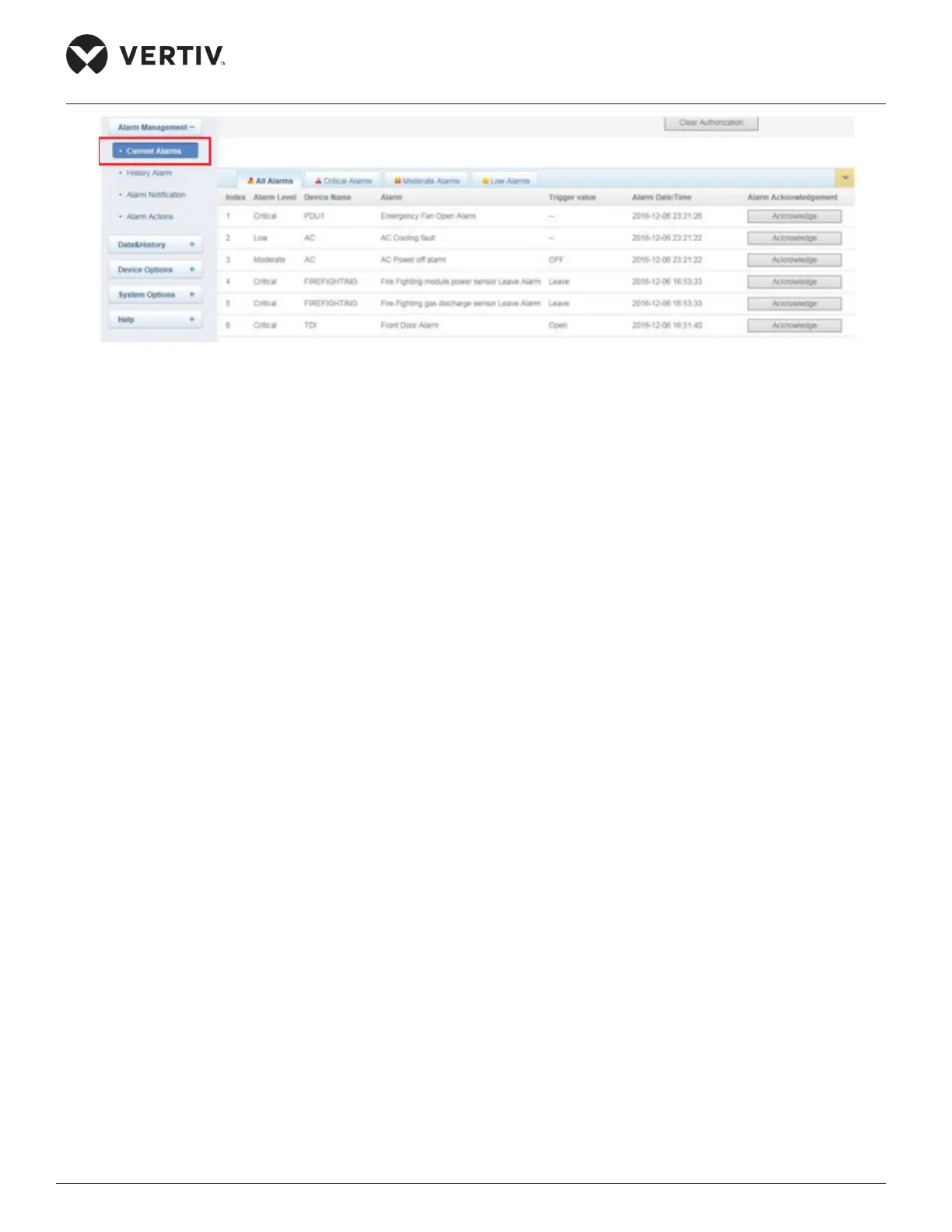
Figure 4-70 Alarm Management menu
4.2.4.5.1. Current Alarms
» Clicking on this option is the same as clicking on Real-time Alarm Pop out settings as covered in the
» The list will pop up on clicking and the current alarms can be viewed based on the Alarm Level such
as Critical, Moderate, and Low Alarms. The All Alarms tab will show all the alarms.
»
»
on hovering the mouse over it.
4.2.4.5.2. History Alarm
»
Start Date/Time and End Date/Time.
»
displayed in the list. The Alarm information includes the Index, Device Name, Signal Name, Alarm Level,
along with their respective values.
» Usr the Download button next to the Query button to download the Query results.



 To Next Page