Vertiv | SmartCabinet | User Manual 142
General Maintenance
For software restoration, Refer to System Options facility.
HardwareresettingincludesrestoringtheMSCintelligentmonitoringunitadminpassword(Defaultuser
name:admin;password:emerson)andusingtheMSCcardunit’sIPaddress(defaultaddress:192.168.0.252).
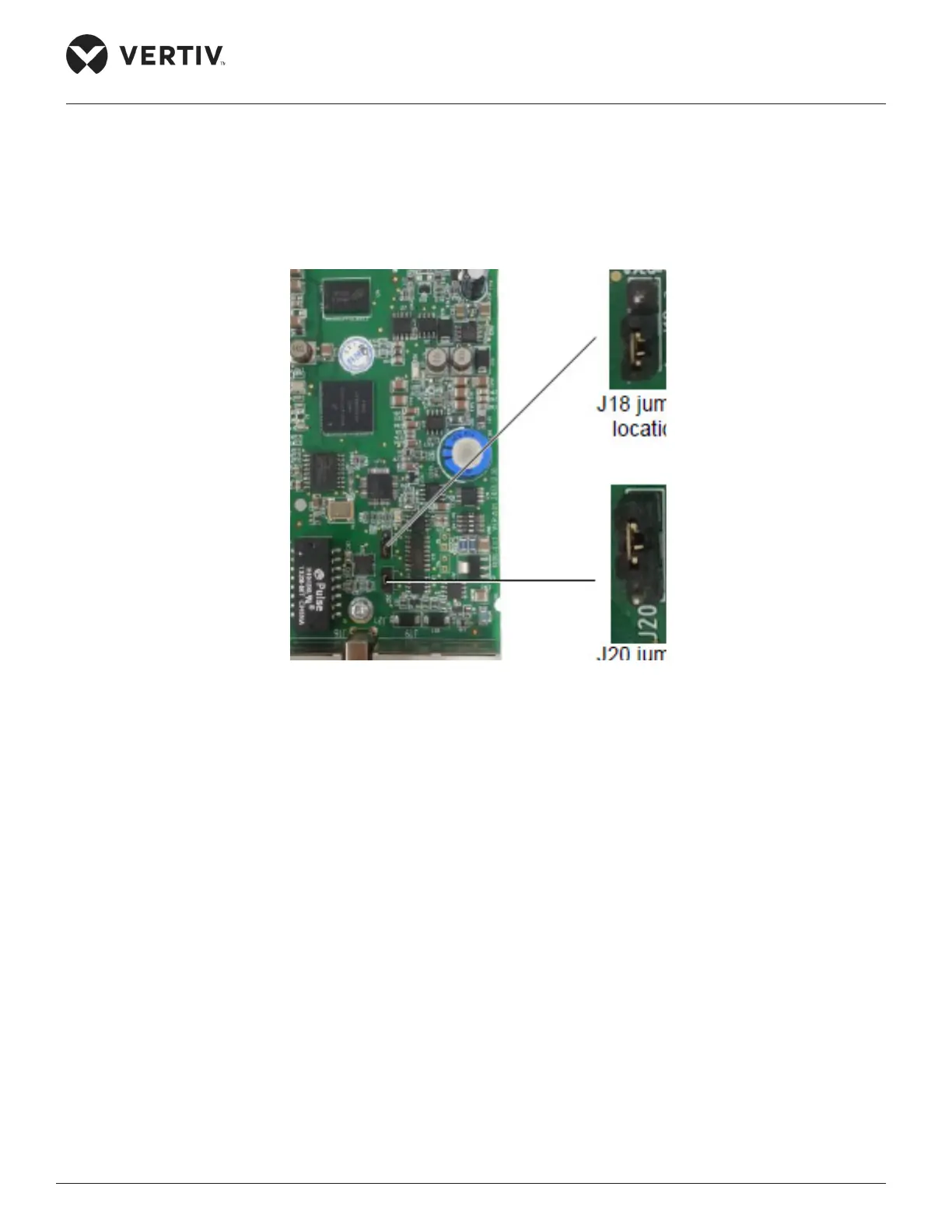
Short pin 2 and pin 3 of the jumper J18 on the MSC card to complete the restoration process. The Jumper
position is shown in Figure 5-4.
Figure 5-4 Jumper locations of the MSC intelligent monitoring card



 To Next Page