Vertiv | SmartCabinet | User Manual 51
System Installation
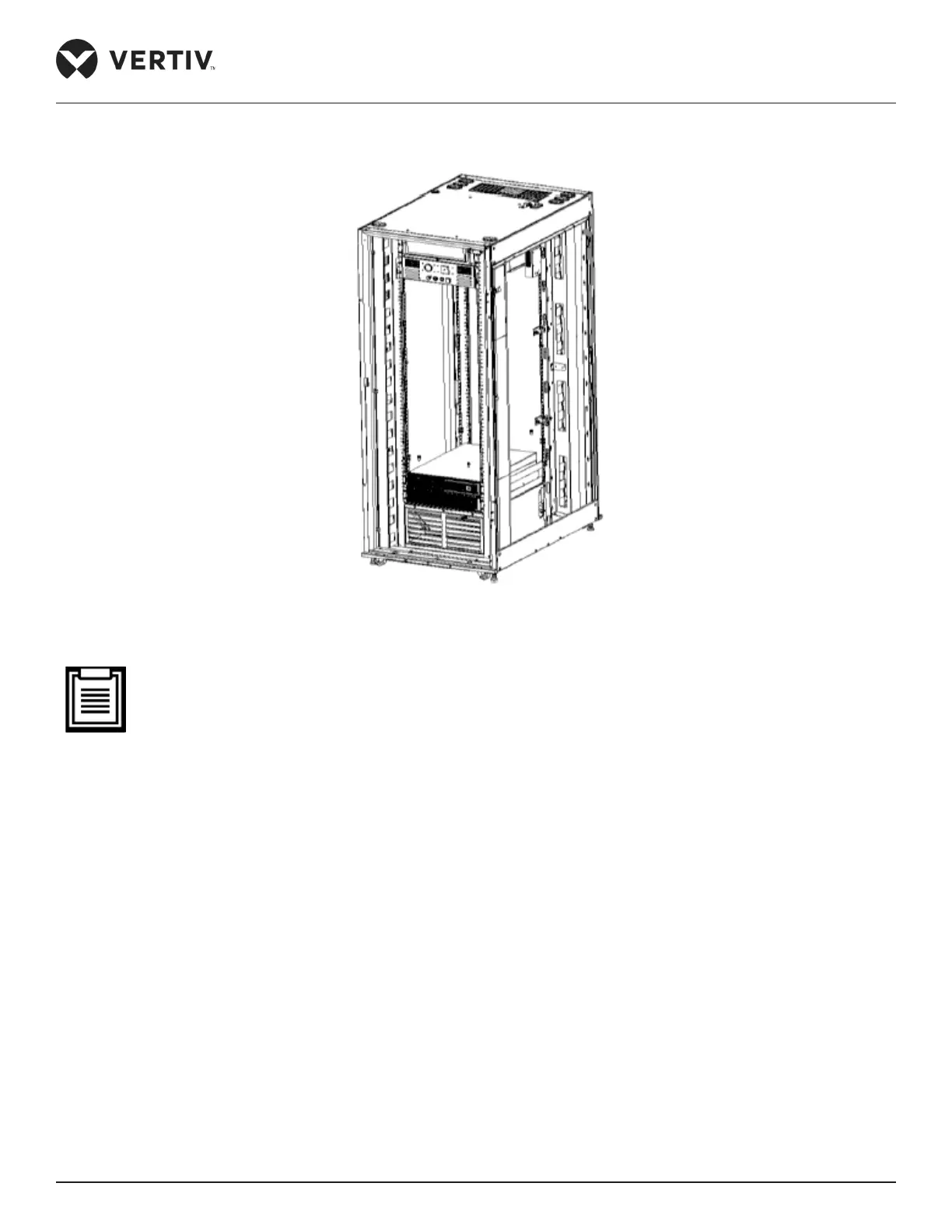
The cabling box can also be installed at the front door of the cabinet as shown in Figure 2-42.
Figure 2-42 Box of the 800mm wide standard unit – Installation area at the front door
• Vertiv recommends that the U height space, not occupied by the equipment, should be covered by the
dummy panel.
• On completion of the cable layout, use a sealant to seal the used cable entry holes. This ensures that the
cabinet is kept air tight.



 To Next Page