Vertiv | SmartCabinet | User Manual 65
System Operation
The air supply temperature of the air conditioner uses a curve chart to display the data of the latest hour. The
curve is refreshed every 6s.
Icons are present for displaying the Fan, Cooling, and Emergency Fan status. Also, there are two buttons,
namely – Sampling and Setting.
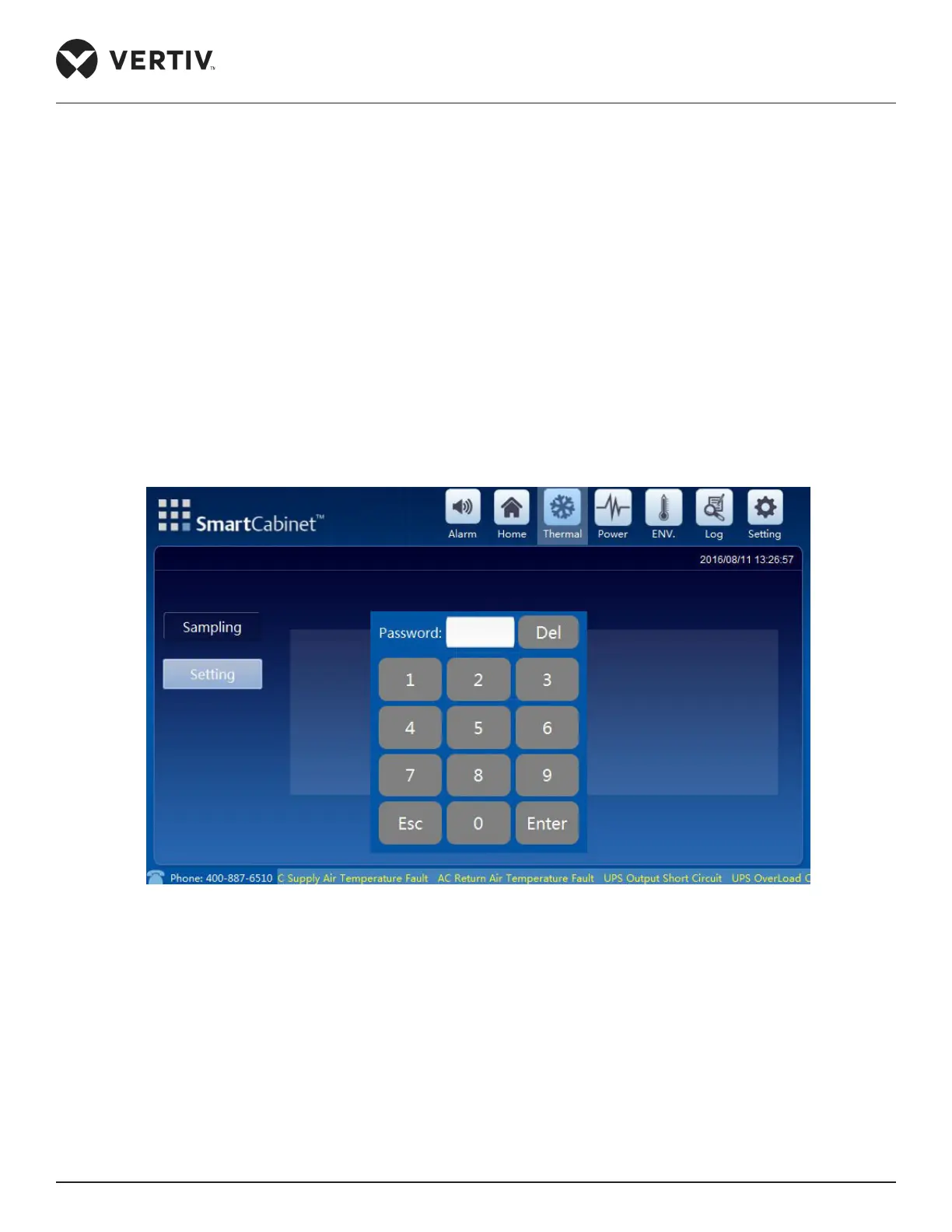
• To gain access to the Setting screen, click the Setting button following which the screen will prompt for a
password. If valid credentials are entered as the password input, access is permitted to check and perform
the control operations. Also remember that after switching the display screen to back to any other screen, to
gain access to settings, the password needs to be re-entered.
•
information on the screen but cannot perform any control or setting operation.
Figure 4-4 shows the password screen where a valid password needs to be entered to gain access to the
control and settings function.
Figure 4-4 Thermal Management password screen
• On entering the valid password, the settings screen is accessible wherein the AC power can be switched On



 To Next Page