Before putting the instrument into operation
VF1807090083 EN revision 35
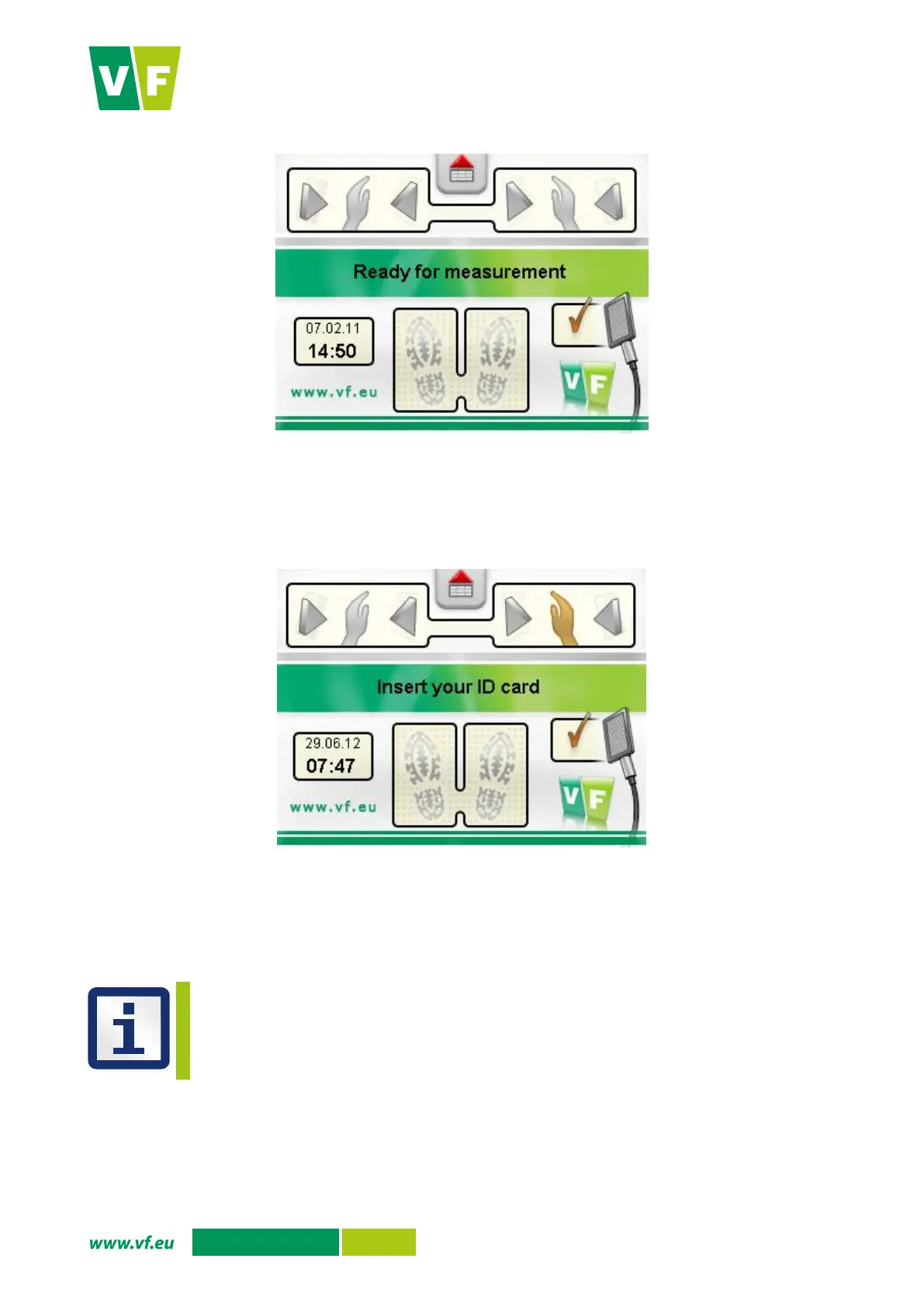
Fig. 12 Display – Basic screen
5.6.2 Version with an identification card reader
The procedure corresponds to that for the version without a reader. When moving to the measurement
position, the instrument will prompt you to use an identification card.
Fig. 13 Display - Identification of the measured person
5.6.3 Turning off
Turn the instrument off using the main switch, and where appropriate, disconnect it from AC mains.
The stability of the response of the detectors can be checked using the appropriate CRM (alpha,
beta, or gamma depending on the detector type), see Chapter 8.2.
5.6.4 Power failure
In the event of power supply failure, the instrument will turn off. After renewal of power supply the instrument
will automatically turn on and enter the basic screen.


 To Next Page