Instrument settings
VF1807090083 EN revision 55
7.
Instrument settings
7.1. Setting the measurement parameters by means of the VF-Setup service
software
To set the measurement parameters use the VF-Setup
service software. The software functions are described
in the separate document VF S0506-25-BN01.
Detectors settings can be performed by the manufacturer, service organization trained by the
manufacturer, or the user's staff trained by the manufacturer.
Inappropriate setup of detectors can result in incorrect function or even damage of the
instrument.
Setting the communication with the VF-Setup service software:
Connect the instrument to the PC using the cable (USB Service connector).
Turn the instrument on and launch the VF-Setup service software on the PC.
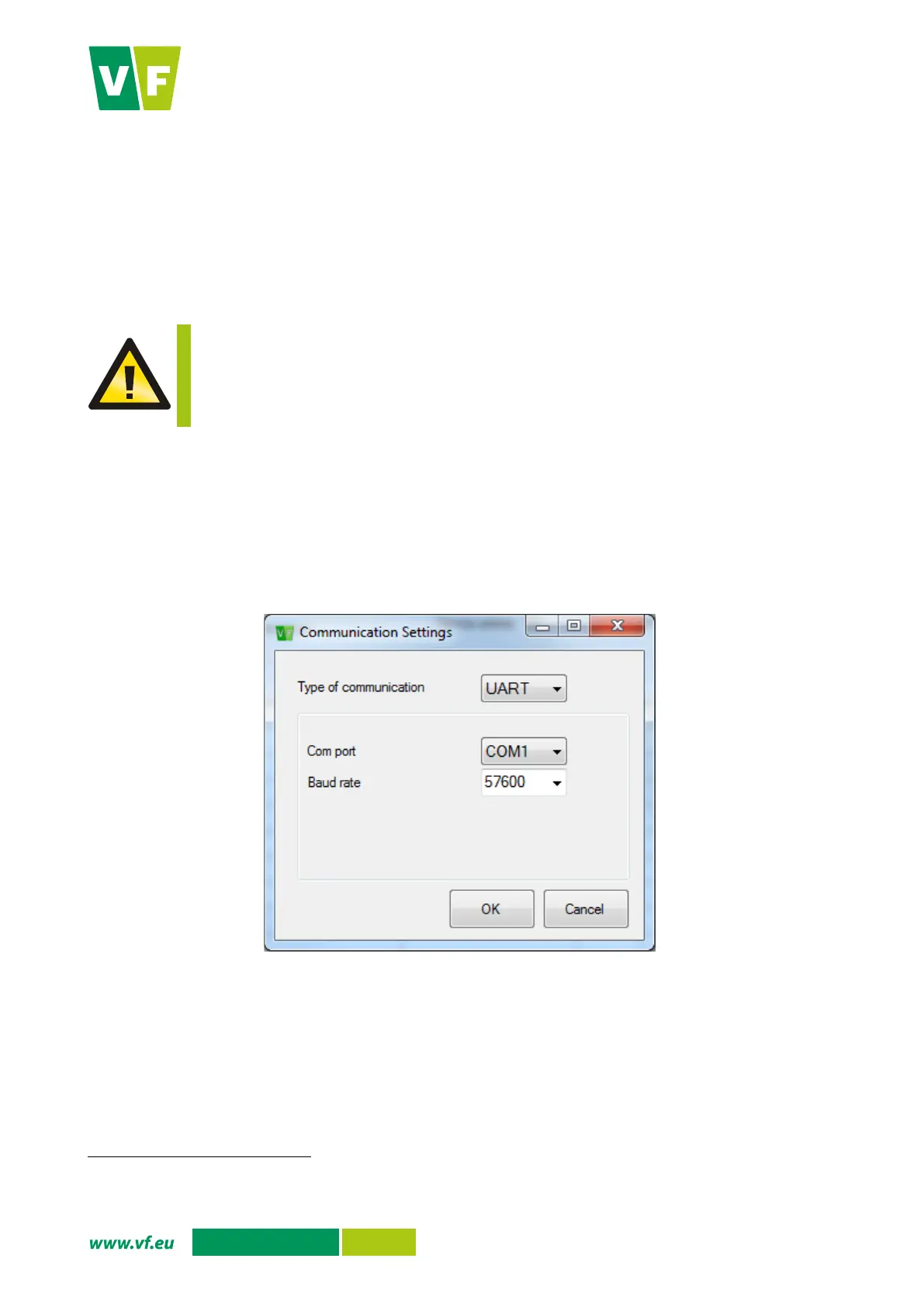
Select the correct communication port in the VF-Setup software.
Set the baud rate of 57,600 Bd in VF-Setup.
Open the communication port and proceed as per the document VF S0506-25-BN01.
Fig. 43 VF-Setup: Setting the communication
The VF-Setup service software in the configuration for service partners can be delivered only to the service organizations trained by
the manufacturer or to the user's employees trained by the manufacturer.


 To Next Page