Instructions for use
VF1807090083 EN revision 54
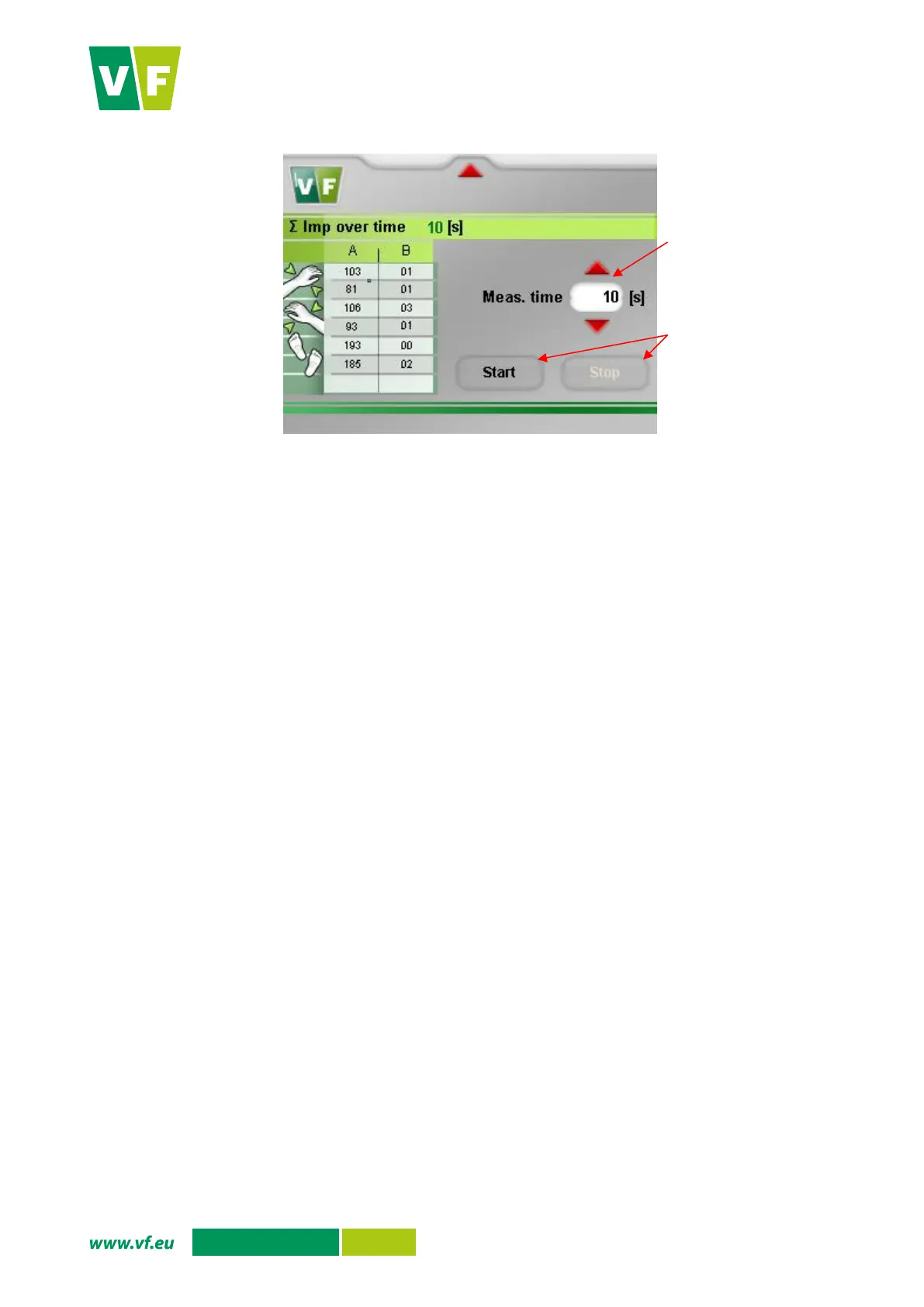
Fig. 42 Detector response
6.5.9 Reset
Press the button to software-reset the PLC (without further confirmation). The program will go through the
instrument initialization, the test of all peripherals to the background measurement and subsequently to the
basic screen “Ready for measurement”.
The reset does not delete or set anything.
When the instrument is in the fault state (see Tab. 14
), it remains in this state, regardless of whether or not
the cause of fault persists. The reset is necessary to restore the activity of the instrument.
When in the above states, a record is automatically made in the error archive, i.e. information on error is not
lost by reset.


 To Next Page