Instrument settings
VF1807090083 EN revision 60
7.2.2 Detectors settings
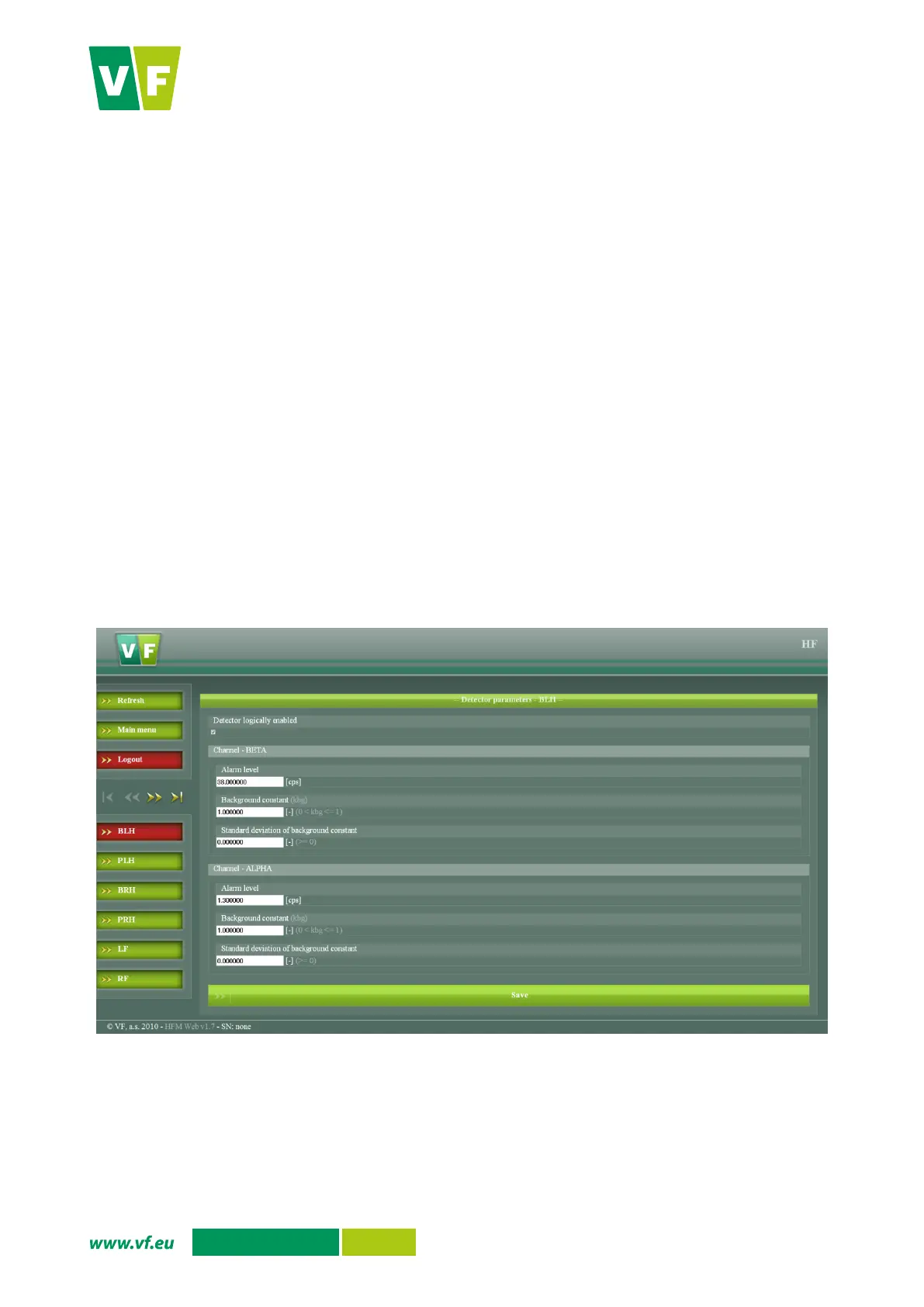
The adjustable measurement parameters for individual detectors (or detector channels) are shown in Fig. 48.
Select the detector to be set in the left bottom menu:
o
BLH - Back of left hand
o
PLH - Palm of left hand
o
BRH - Back of right hand
o
PRH - Palm of right hand
o
LF – Left foot
o
RF – Right foot
o
FR – Frisker
Check the detector parameters in editable fields and adjust as required (separately for each
channel).
Parameters saved in the instrument are reloaded when the Refresh option is selected.
With the Main menu option you return to the main menu.
You will log out of the web interface after selecting the Logout option.
Save the changes using the Save option.
Fig. 48 Web interface – Detectors settings


 To Next Page