Instrument settings
VF1807090083 EN revision 57
Preview – authorisation to preview parameters without the possibility to modify them
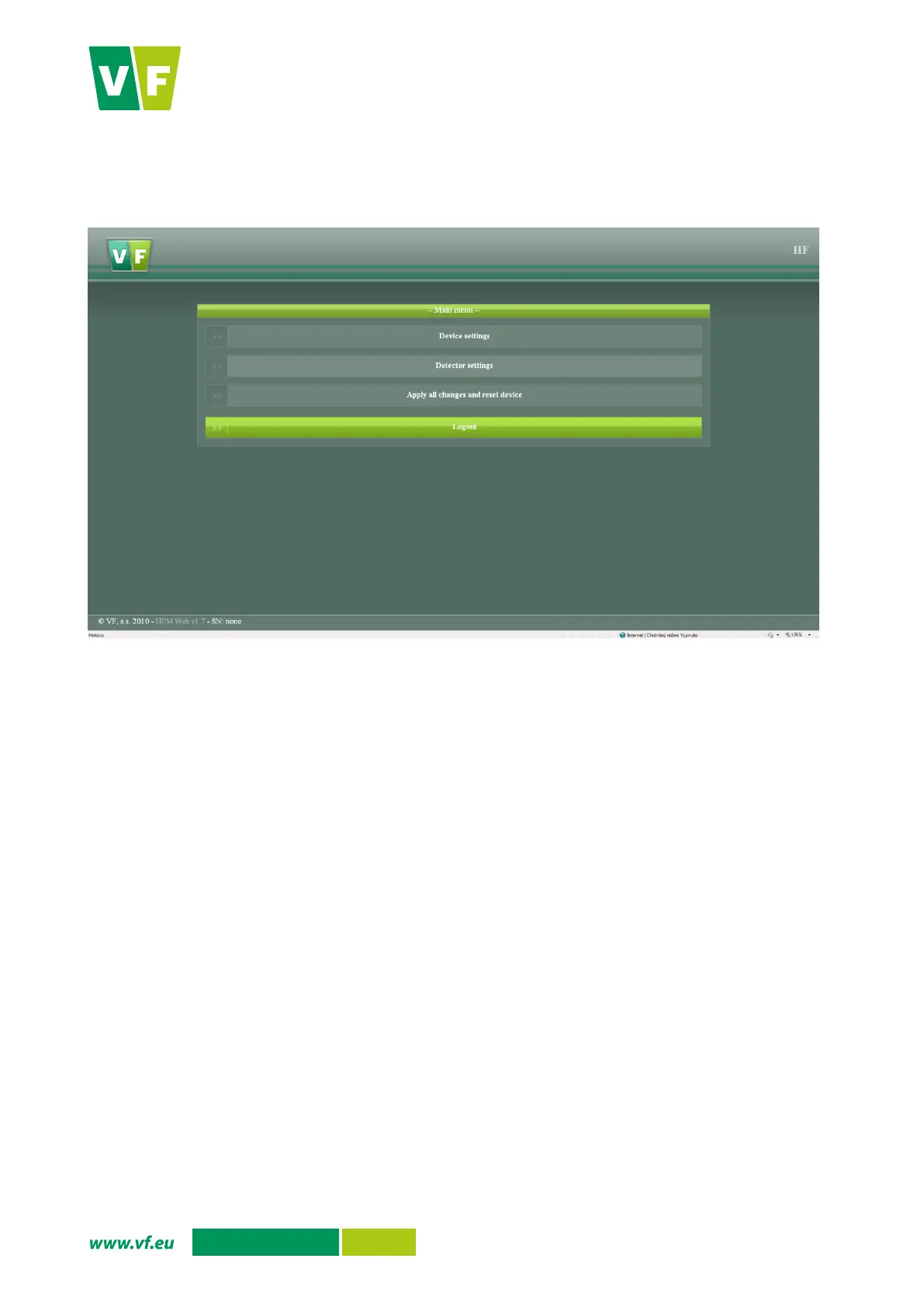
The main menu will appear when the login is successful (Fig. 45).
Fig. 45 Web interface - menu
The meanings of the menu items
Device settings – setting parameters for the whole instrument (Chapter 7.2.1)
Detector settings – setting parameters for instrument detectors (Chapter 7.2.2 )
Apply all changes and reset device – an option for the administrator only; with this option you
will save the settings and restart the instrument in order for the edited parameters to be applied
Logout – You can log out from the web interface with this option.


 To Next Page