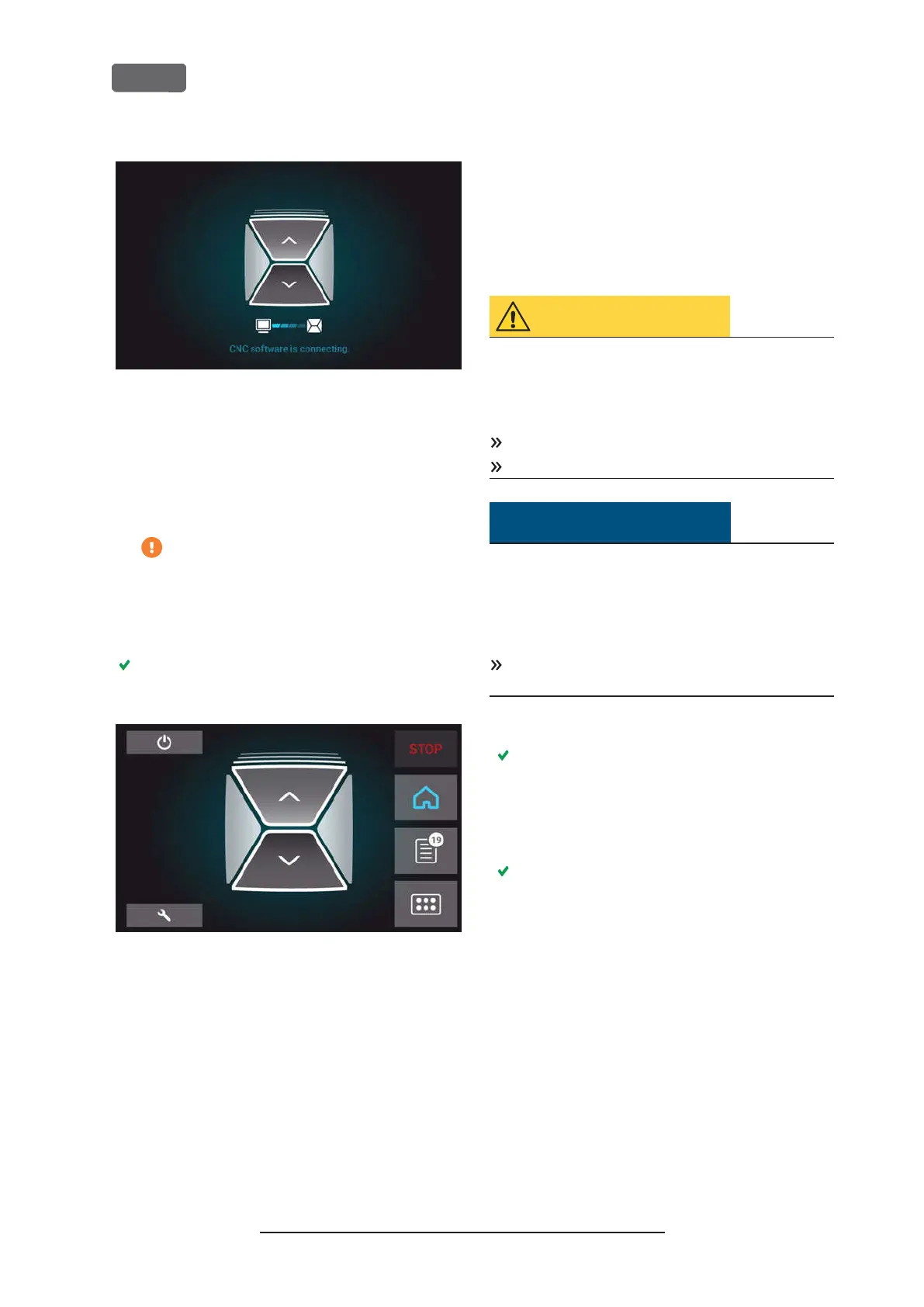
F
IG
. 26 – T
HE INTERNAL
CAM
COMPUTER IS CONNECTING TO THE
TOUCHSCREEN
b.
After a few seconds, the connection is estab-
lished.
c.
The machine references.
d.
The working chamber is illuminated in white.
The machine will not reference if the
working chamber door is open.
5.
If the working chamber door is open, confirm the
respective dialog on the touchscreen to close the
door.
After the machine has referenced, the
Home
sec-
tion displays on the touchscreen.
F
IG
. 27 – T
HE TOUCHSCREEN AFTER REFERENCING
If the touchscreen displays that there is a tool in the
collet chuck which needs to be removed:
Ž
Starting
the machine with a tool in the collet chuck
– see below
If the touchscreen displays that a software update is
available:
Ž
Updating the software and firmware
– on
page68
Starting the machine with a tool in
the collet chuck
Under some circumstances like a power outage, there
can be a tool in the collet chuck of the spindle when
you start the machine. You need to remove the tool
from the collet chuck before you can use the machine.
CAUTION
Danger of cuts and burns when touching
tools with your bare hands
If you handle tools on the cutting surface, you may be
injured. As the tool may be very hot, you may also
suffer from skin burns.
Only touch tools at their shank.
When handling tools, wear protective gloves.
NOTICE
Machine damage if you do not remove the
tool
If the tool remains in the spindle after you have
confirmed the message, it will collide with machine
parts such as the measuring key and severely damage
them.
Always
follow the instructions below when you
start the machine with a tool in the collet chuck.
1.
Start the machine.
The touchscreen displays that there is a tool in
the collet chuck. The working chamber door
opens.
2.
Hold the tool in the collet chuck in place.
3.
Confirm the current message.
The following happens:
a.
The collet chuck opens.
b.
The current dialog window closes.
c.
A dialog window opens.
4.
Remove the tool from the collet chuck.
Original Operating Instructions:Z4
Version: 12/5/2018
Z4 – Operation: Preparing jobs
EN 32



 To Next Page