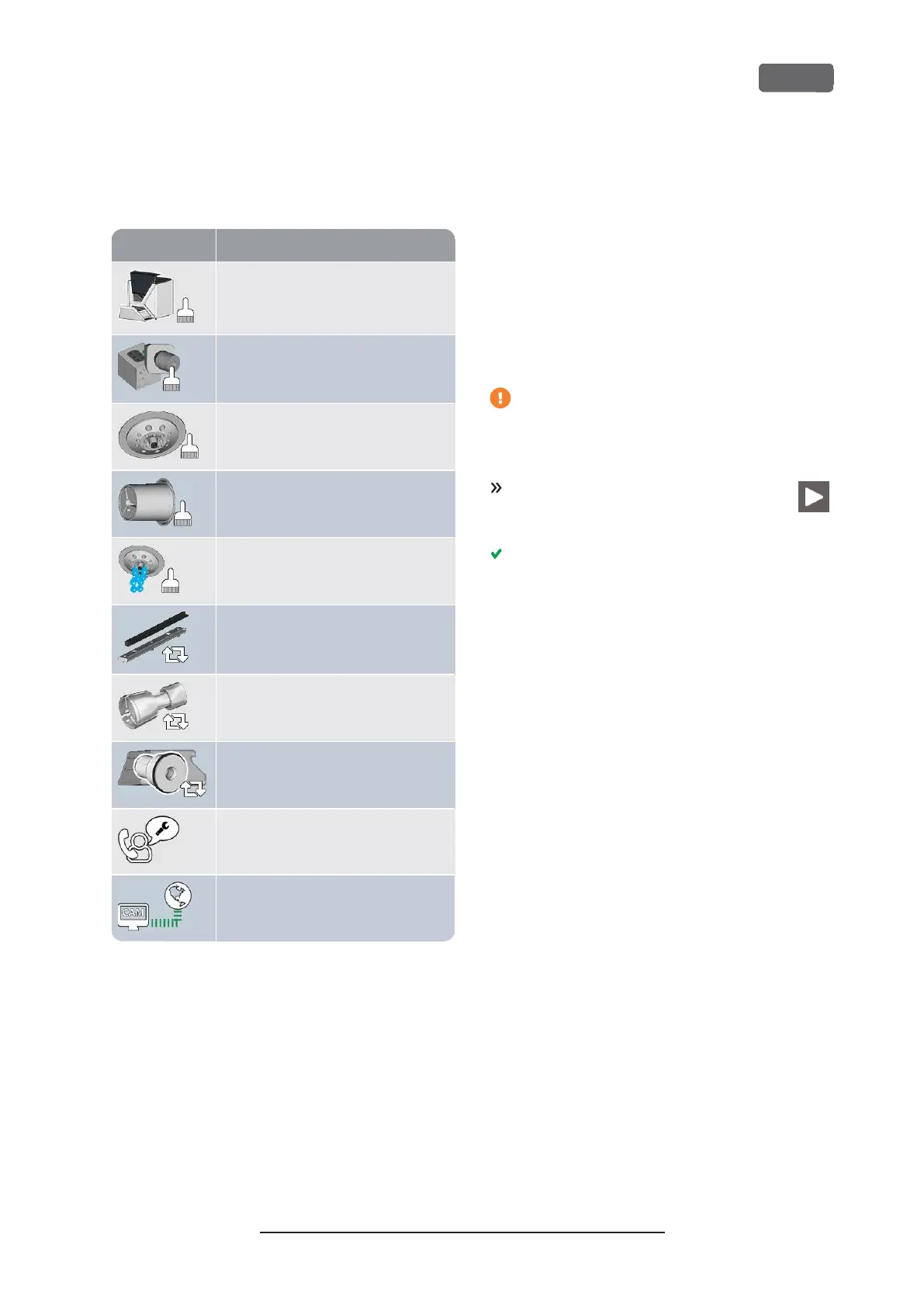
List of all maintenance tasks
The following maintenance tasks and illustrations can
display on the touchscreen:
Daily cleaning
(working chamber, cooling liquid tank)
Weekly cleaning
(webcam, tool magazines and holder)
Cleaning the spindle collet chuck
Cleaning the blank holder collet chuck
Rinsing the cooling liquid system
(rinsing, exchanging the carbon filter)
Exchanging the view window wiper
Exchanging the blank holder collet chuck
Exchanging the cooling liquid coupling
Preventive maintenance
1
Internet connection (Backup / Update)
2
1
Only customer service can complete this task and
reset the time interval.
2
This task only appears if the machine is not regularly
connected to the internet. The task is completed auto-
matically as soon as a connection is established.
Performing maintenance tasks
The
Maintenance
section contains interactive on-
screen guides for every maintenance task. To perform
the maintenance tasks you need to use the respective
guide. With the guides you can do the following:
n
Read the basic steps required to perform indi-
vidual maintenance tasks.
n
Execute necessary machine functions for indi-
vidual tasks.
n
Mark individual tasks as complete.
The on-screen guides do not replace the
detailed information in this manual. Here you
can find additional instructions and safety
information.
To start a maintenance task, select the
depicted icon for the respective entry in
the
Maintenance
section.
The corresponding on-screen guide opens. It has
several pages which will guide you through the
maintenance task.
Z4 – Maintenance and do-it-yourself
EN 55
Original Operating Instructions:Z4
Version: 12/5/2018



 To Next Page